Time and money
Know what every project costs, while it is still running.
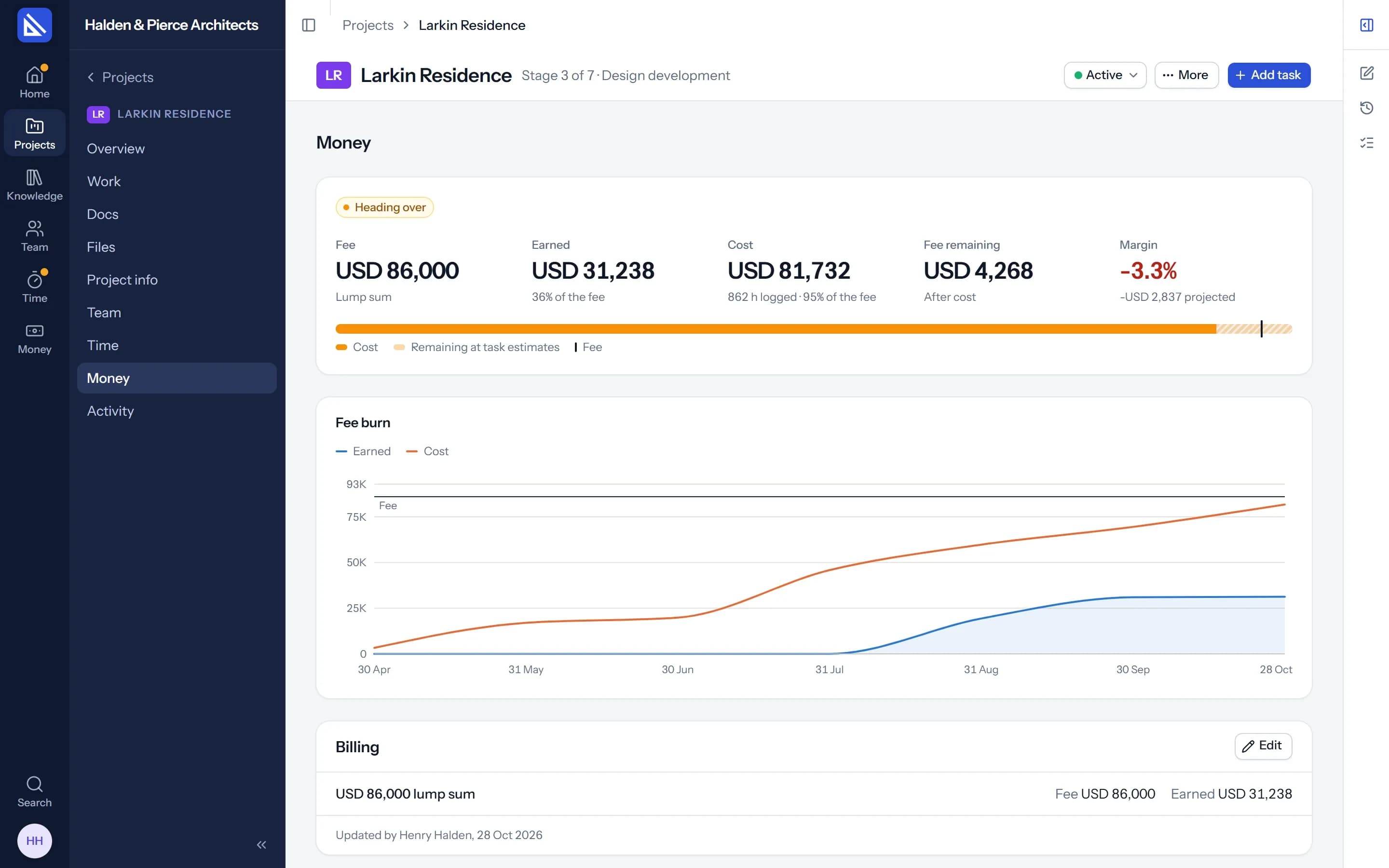
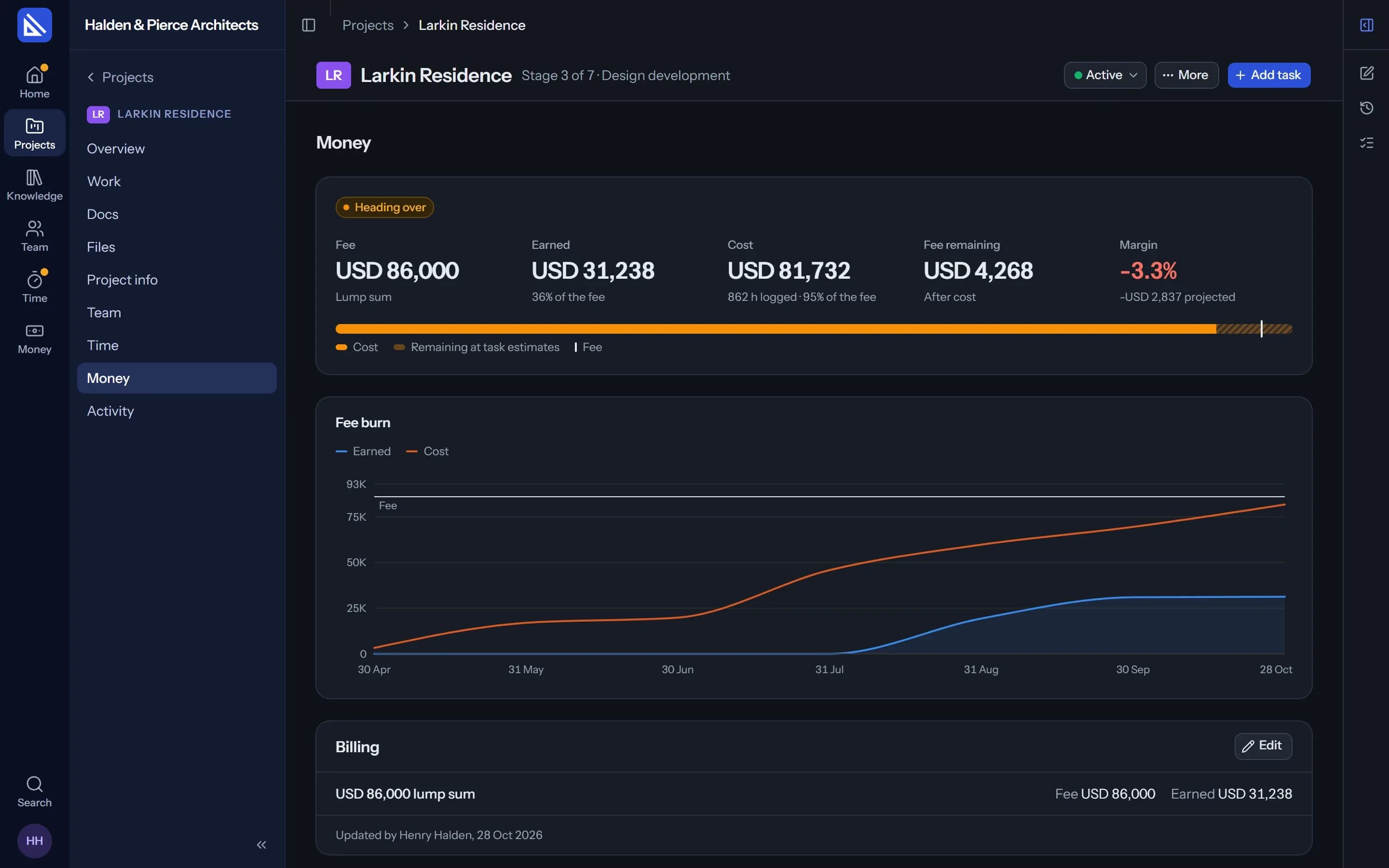
Time is logged against tasks, so each project knows what it has cost and what is left of its fee, while there is still time to do something about it.
Time
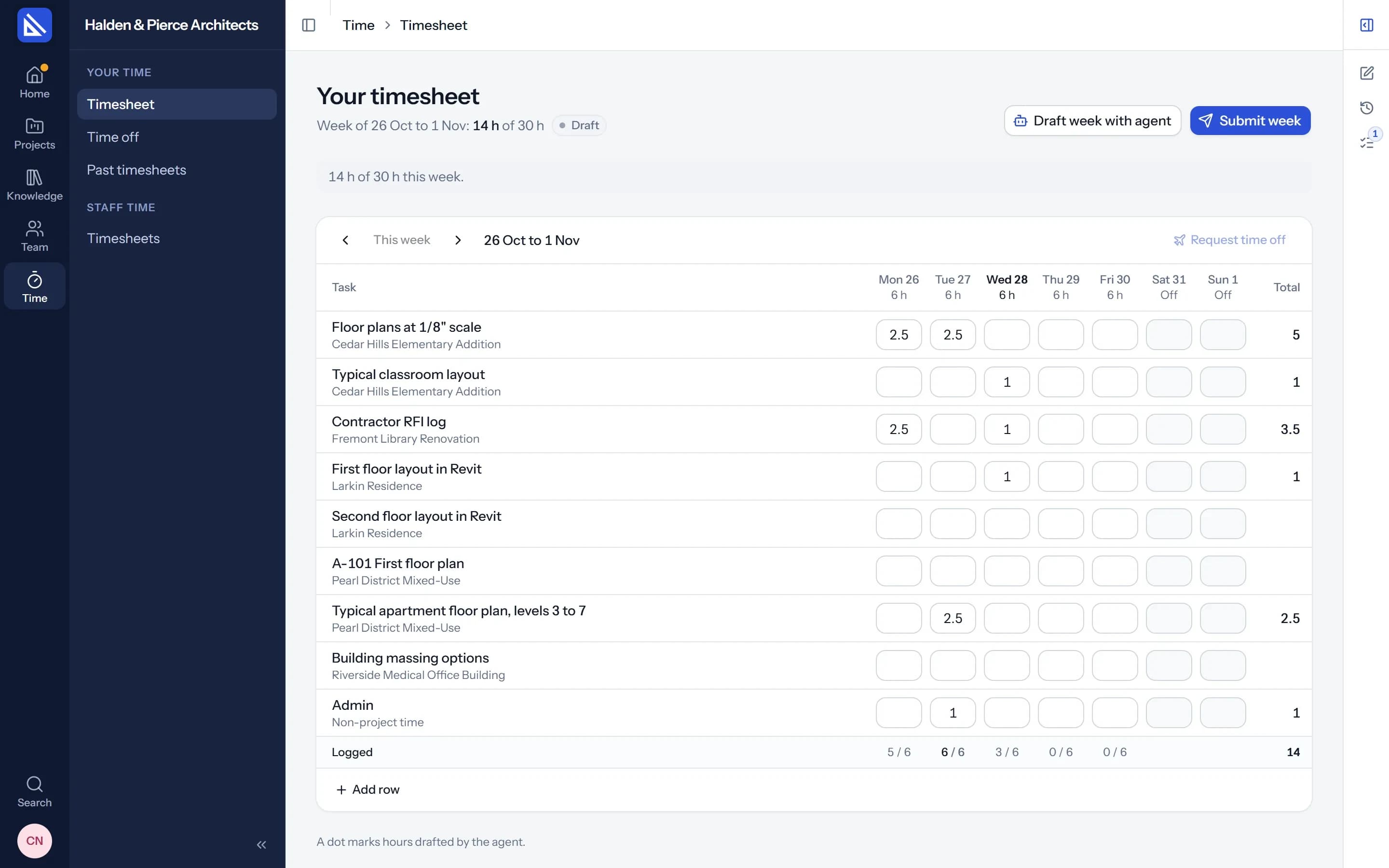
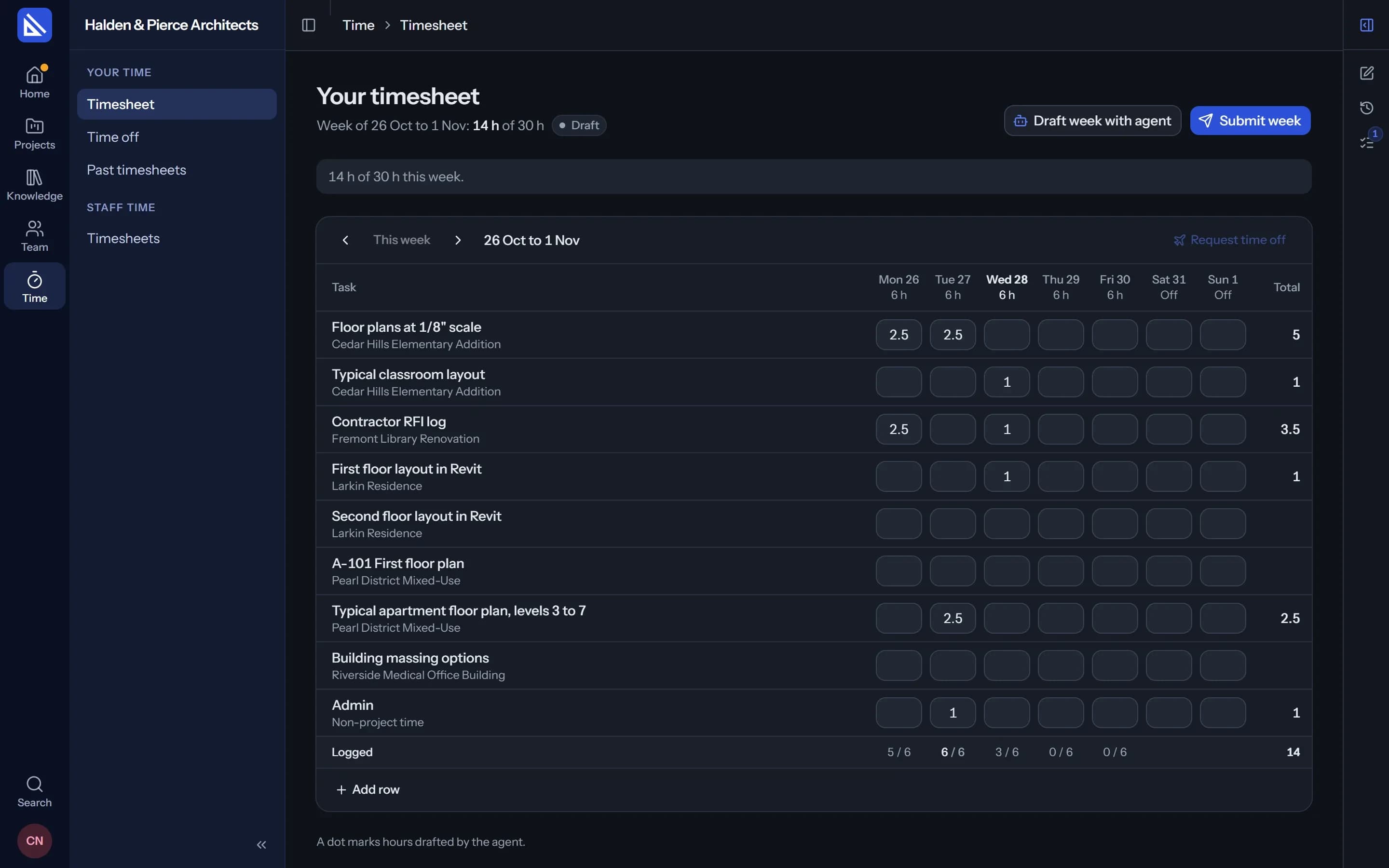
Timesheets people actually fill in.
A week at a time, a row for each task, and a timer on every task. Your agent can draft the week from what you worked on, for you to correct and submit.
- Submitted is done. No approval chain. A manager can send a week back with a comment.
- By project, stage and person. Managers and project leads see where the hours went.
Fees and profit
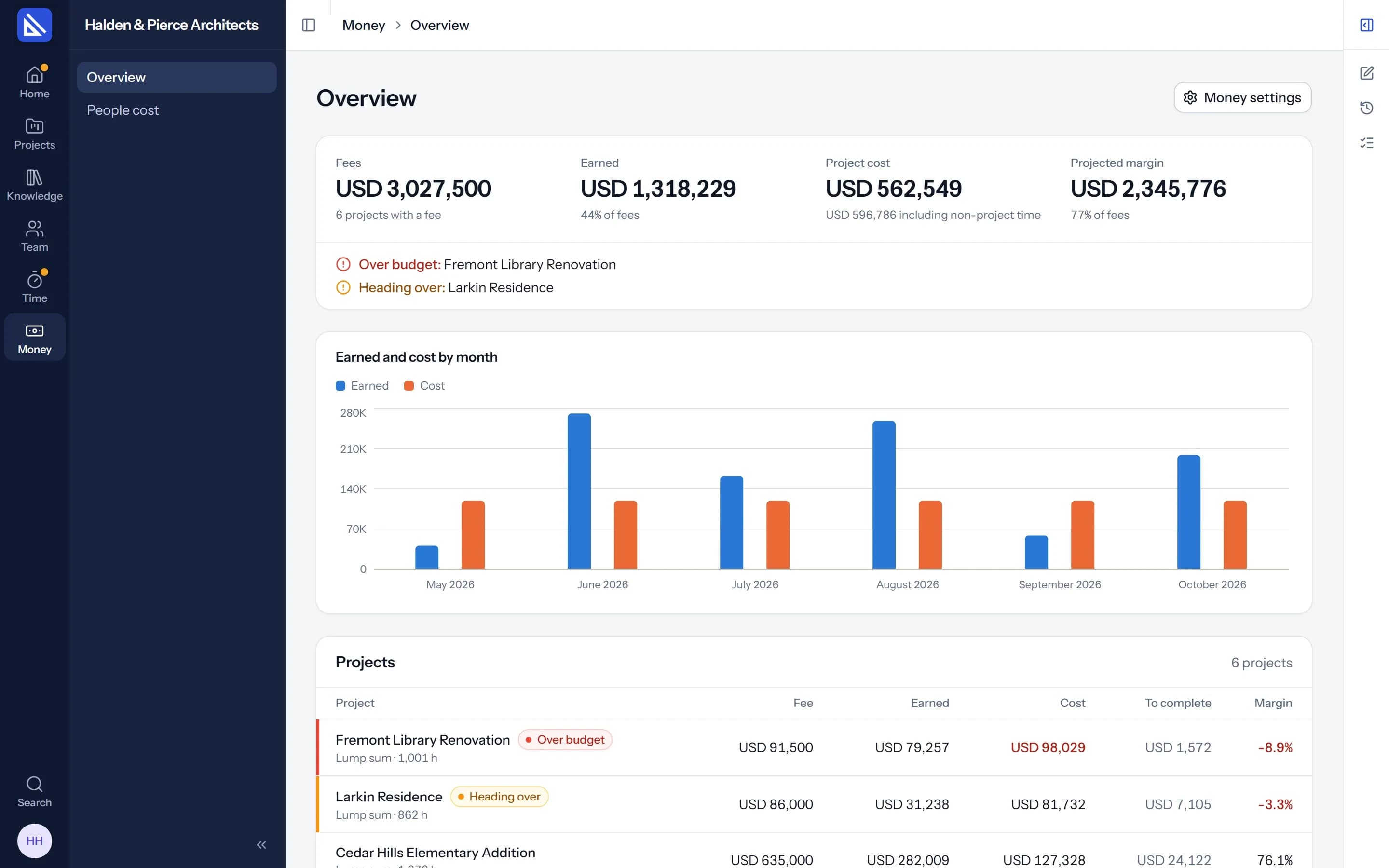
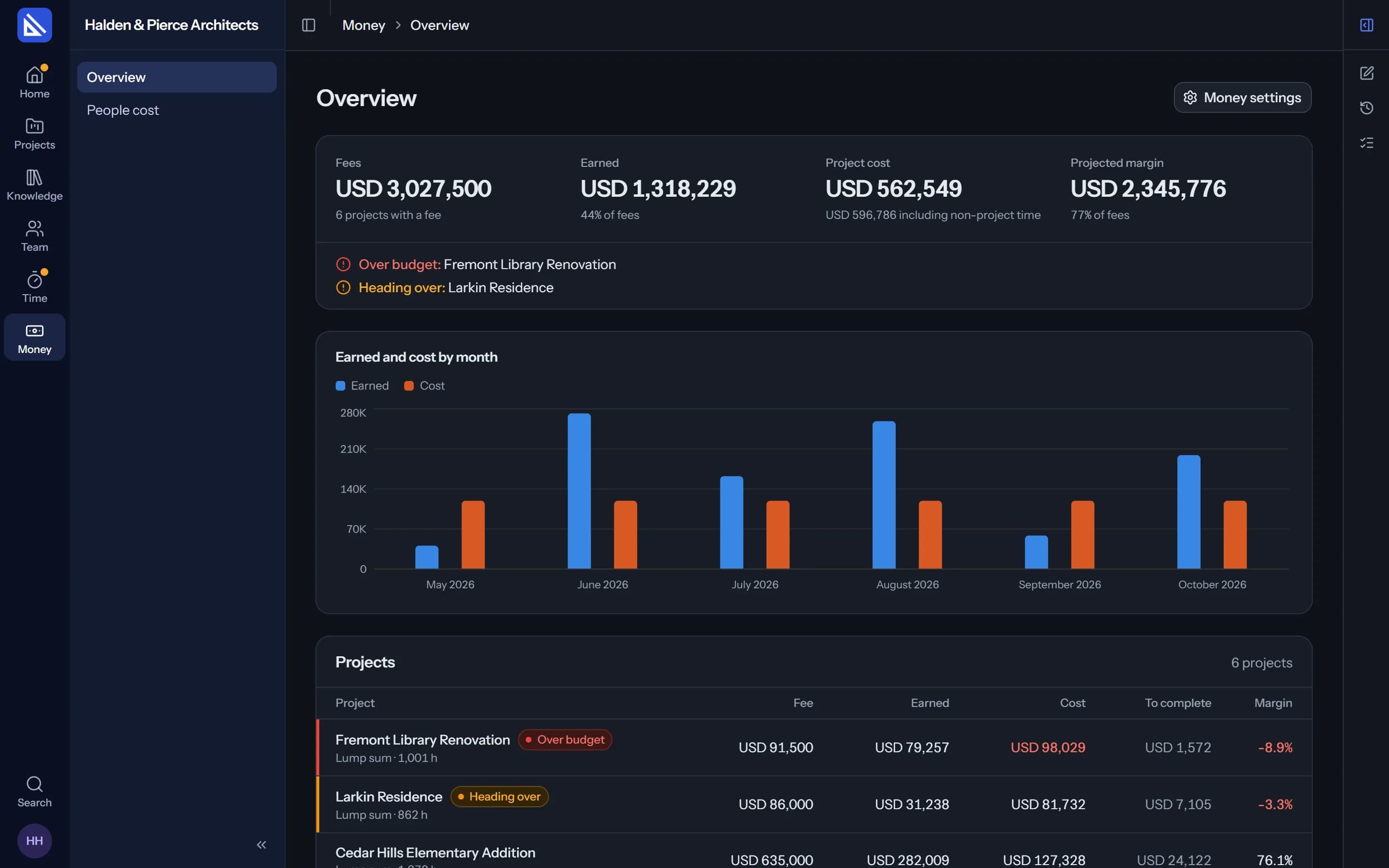
Every project's fee, against its cost.
Set a project's fee the way you agreed it: a lump sum, split by stage or not, a percentage of construction cost, hourly by person or role, or a mix. Arqiflow counts the cost of every hour logged against it.
- Costs from salaries. Enter a person's monthly salary and Arqiflow works out their cost per hour.
- Warned early. A project heading over its fee is flagged on the Dashboard.
The rest of running the firm.
Time off and workload
Requests and balances, and who is free week by week.
Learn moreThe firm's figures
Fees earned, profit, utilisation and capacity at the top of the Dashboard.
Timer
Start, pause and stop on any task, in the browser or in the desktop app.
Apps and websites
Where the firm turns it on and each person agrees, time by app and website.
Salaries kept private
Only owners and managers see what people cost.
Your choice
Turn time, money or activity off for the firm, and they disappear.
Questions
Who sees the money?
Does Arqiflow send invoices?
Does Arqiflow record what apps people use?
More of Arqiflow
Projects and tasks
Stages, tasks, reviews and checklists
Learn moreViews and Dashboard
Board, Calendar, Timeline and charts
Learn moreTemplates and import
Start projects fast, move in easily
Learn moreThe agent
An AI copilot for each person
Learn moreRevit
Walls, doors, rooms and stairs
Learn moreKnowledge
Your rules, standards and playbooks
Learn moreInbox and notifications
Mentions, reviews and email
Learn moreDocs and files
Minutes, drawings and models
Learn moreBoards
A live canvas for crits and precedents
Learn morePeople and time off
Team, workload and leave
Learn more
Bring your next project into Arqiflow.
Run your own projects and people in it free for 14 days, with no card. The agent comes with a plan.