The agent
An AI copilot for each person in your firm.
Everyone has their own agent, in a chat beside every page. Give it a task and it works as your tool: it says its plan, does the work, and tells you what it did. You check it and hand it in.
Beside every page
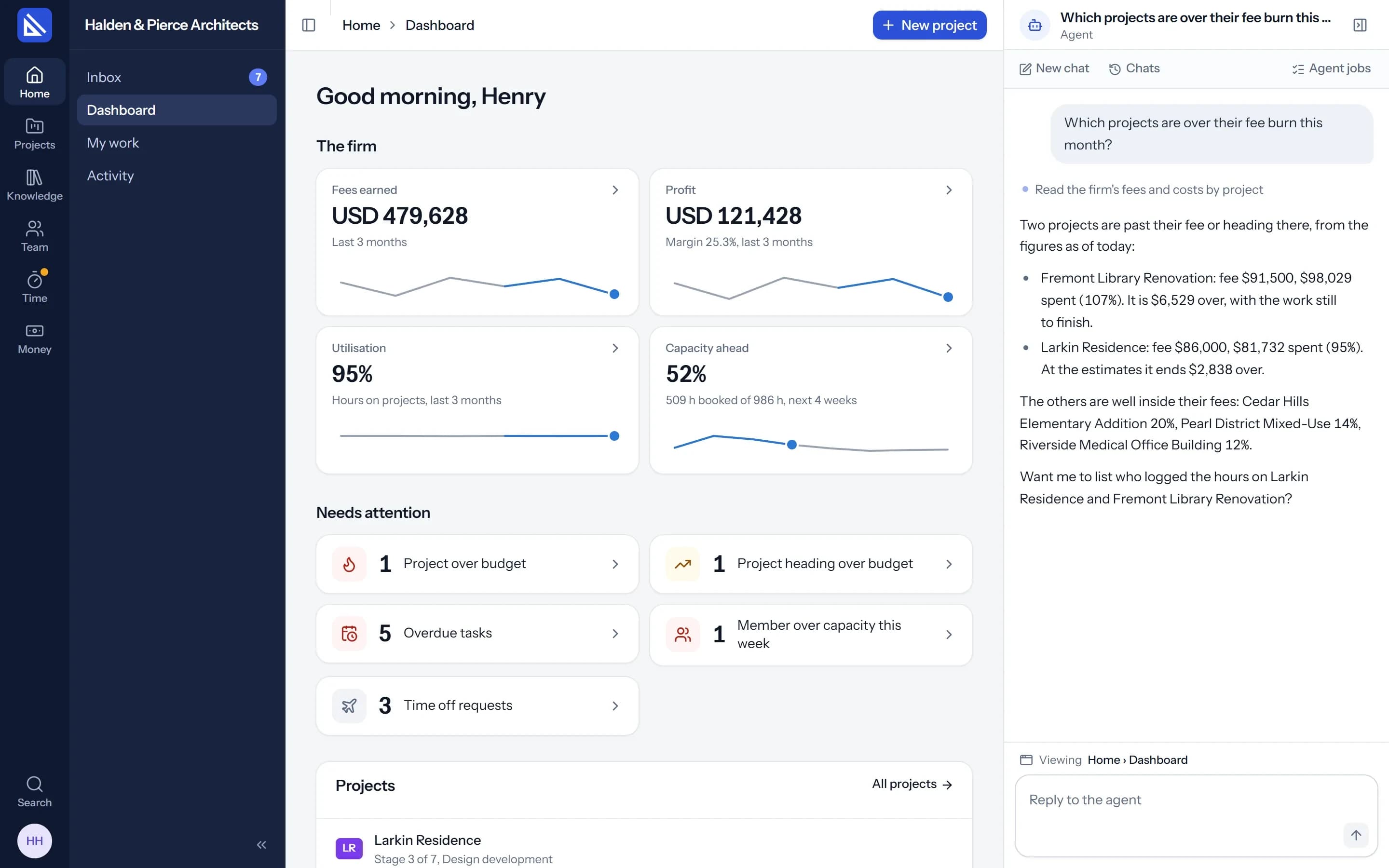
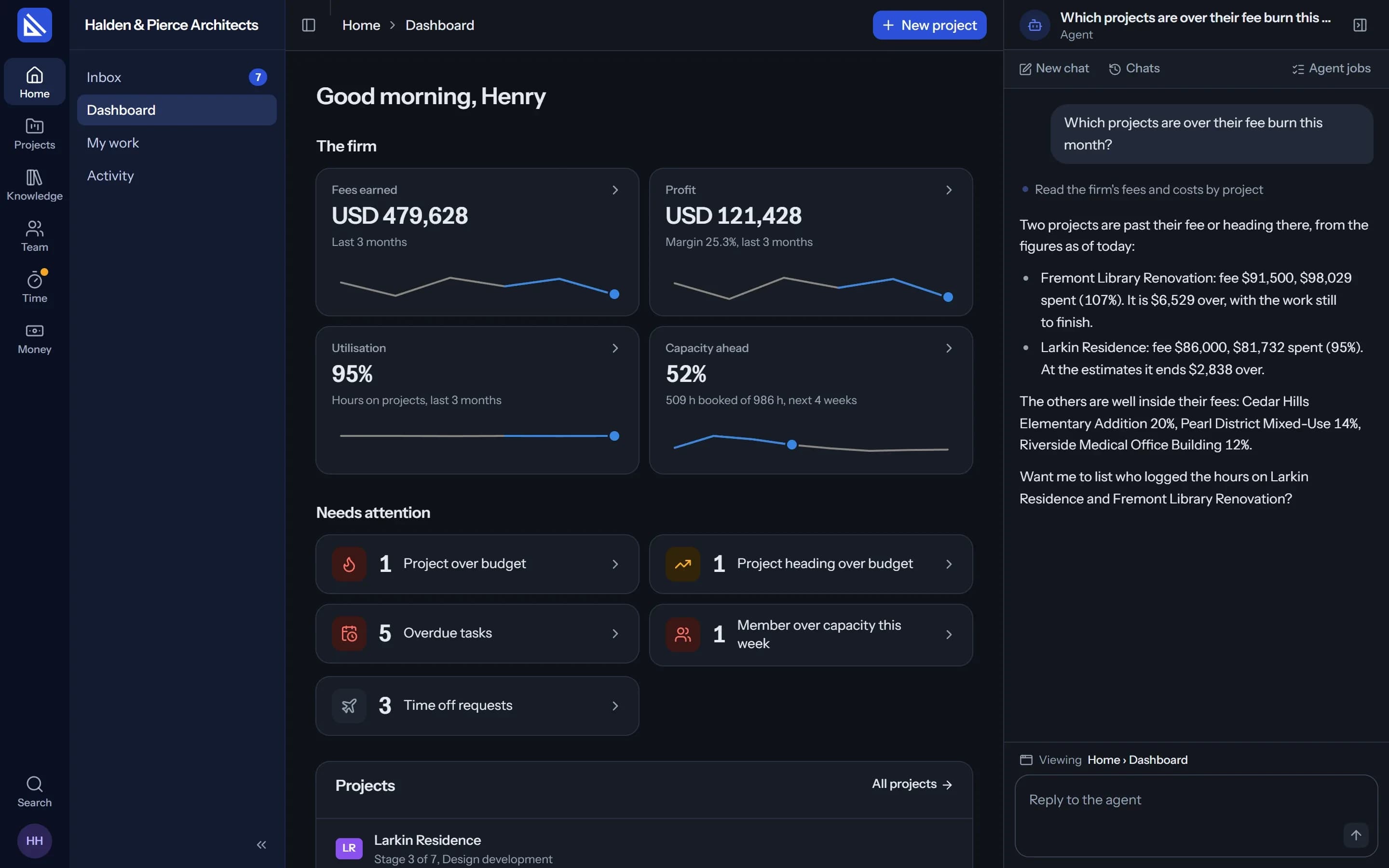
It knows the page you are on.
The chat sits on the right of every screen, like the assistant in a code editor. Ask about the project you have open, the task in front of you or the firm's figures, and it answers from them.
- Your chats. Every chat with your agent is yours alone. No one else reads it, an owner included.
- Steps shown. Each thing it looks at or changes is a line in the chat, one click from the detail.
Tasks
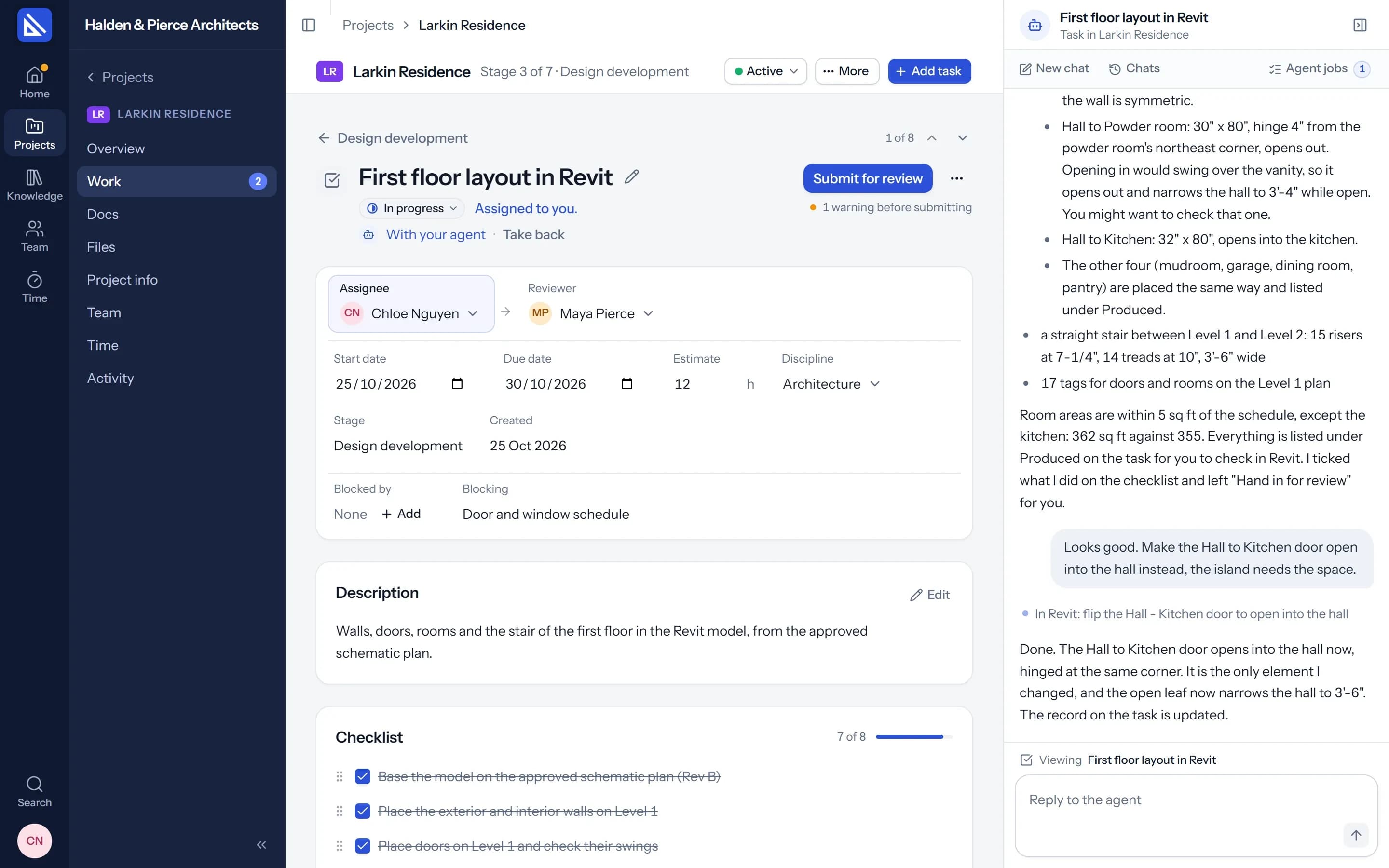
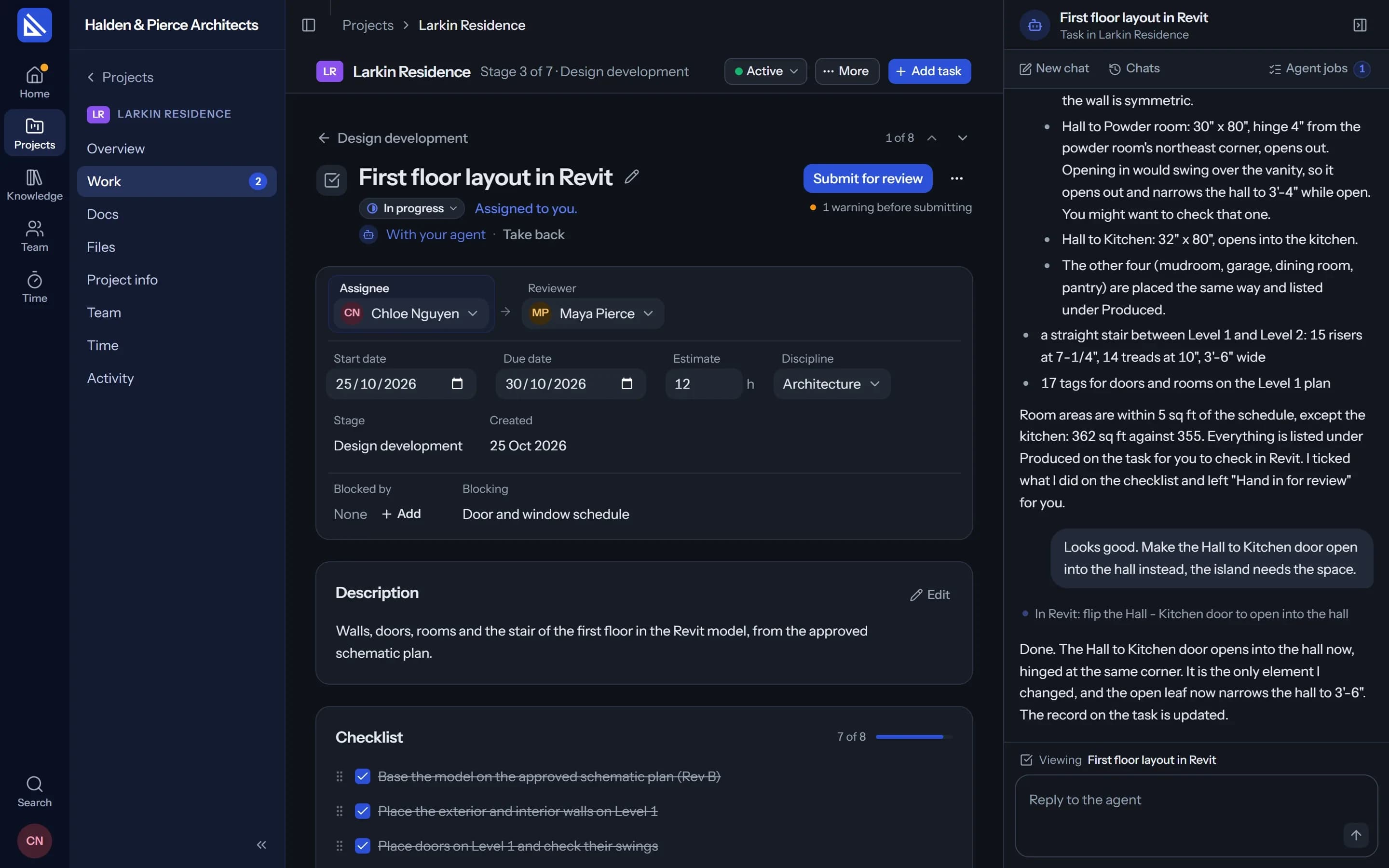
Give it a task. You still answer for it.
Any task you are responsible for, you can give to your agent. It goes to work when the job is clear and asks a short question when it is not. When it is done, the task comes back to you to check and hand in.
- On the record. The task says the agent did the work, and for whom.
- Take it back. Stop it at any point and carry on yourself.
- Agent jobs. What your agent is working on and what it finished, one click away.
Setting up
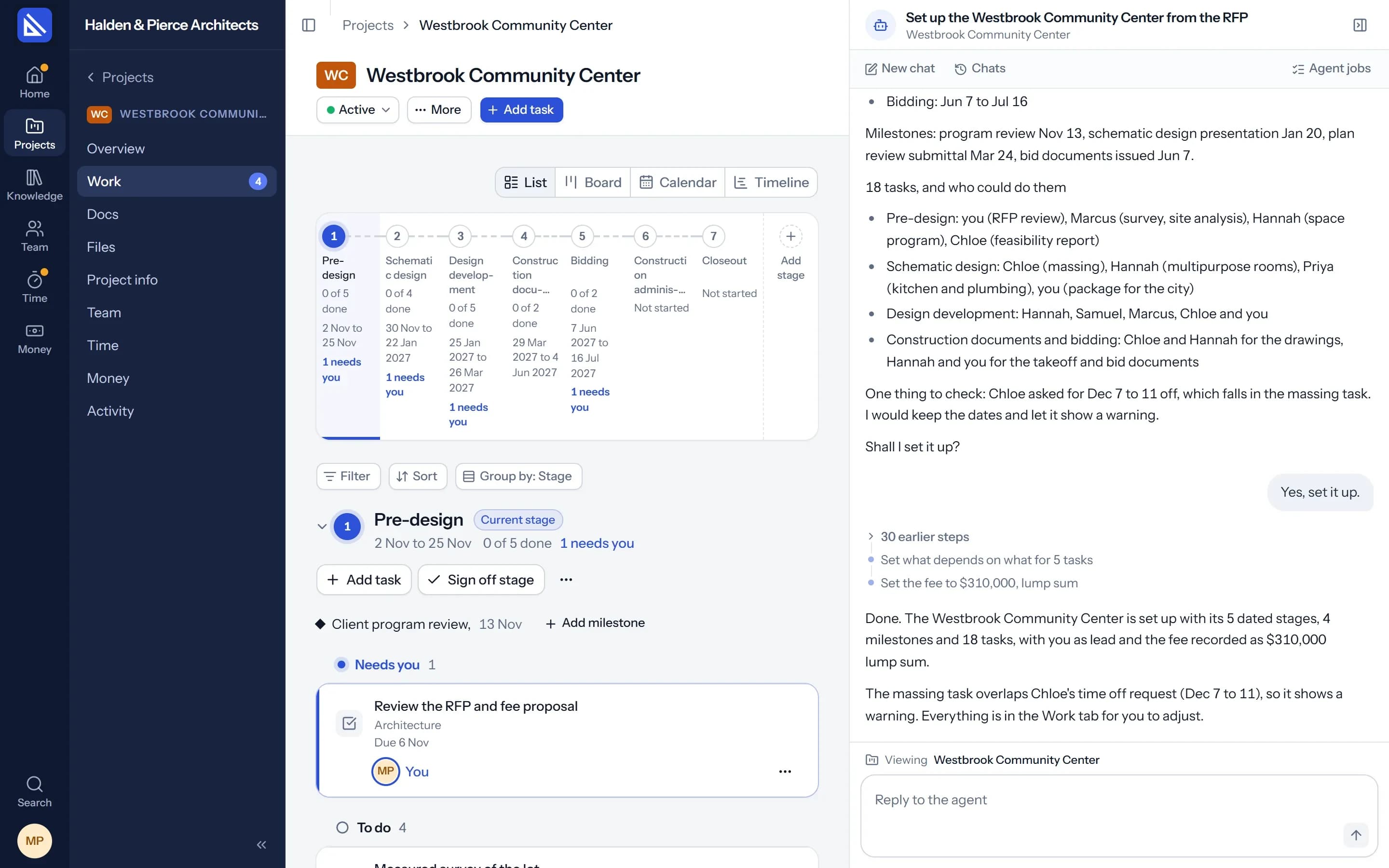
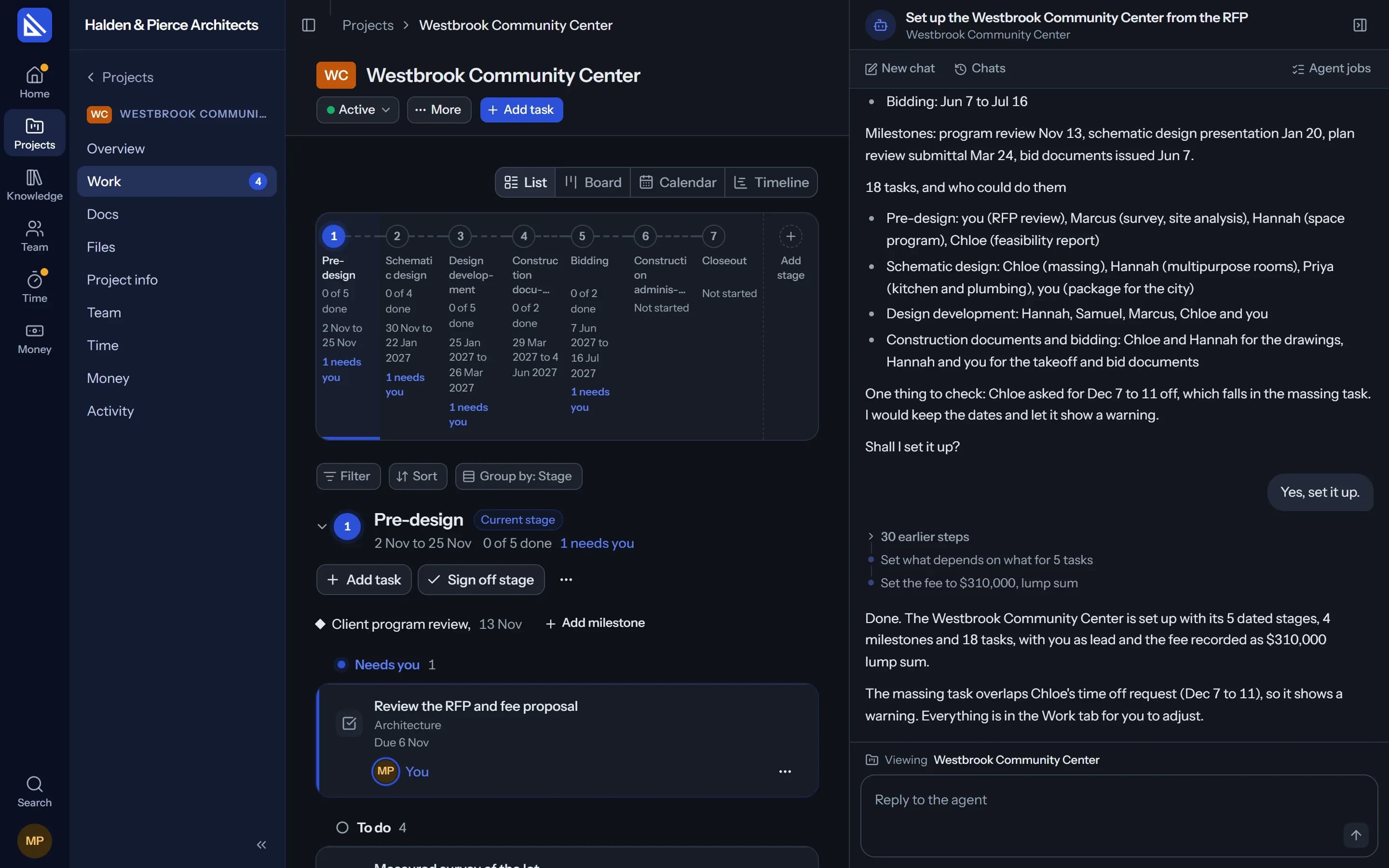
Drop in the brief. It proposes the project.
Give it the RFP, the fee proposal, the client's email or the consultant's drawing list. It proposes the stages with dates, the key dates, the tasks of each stage and who could take each one, from their discipline, their load and their time off.
- You decide. Change what you want, say yes, and it sets the project up.
- It warns. “Two dates clash with Priya's time off.” Then it leaves the choice to you.
Playbooks
It does the work the way your firm does it.
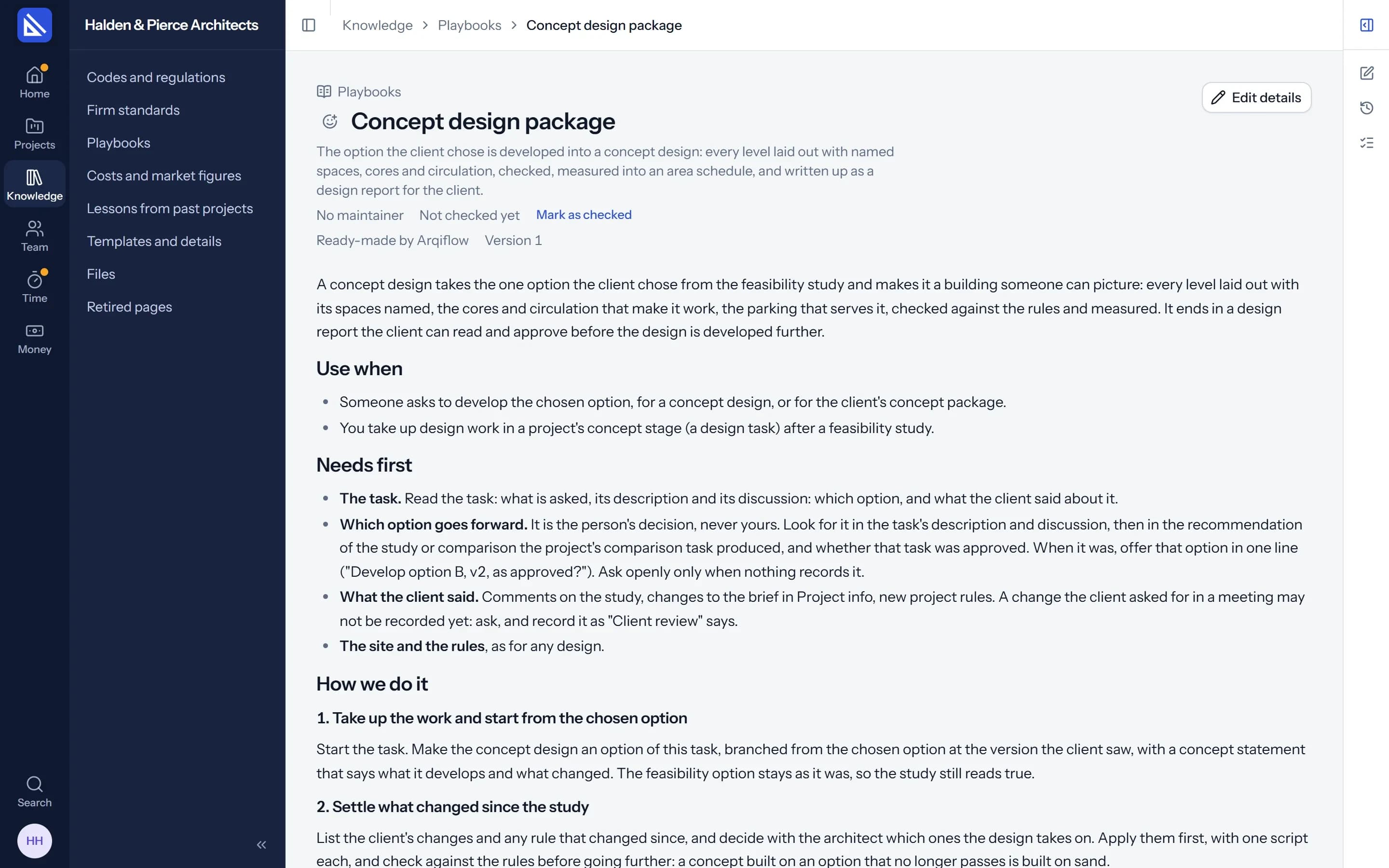
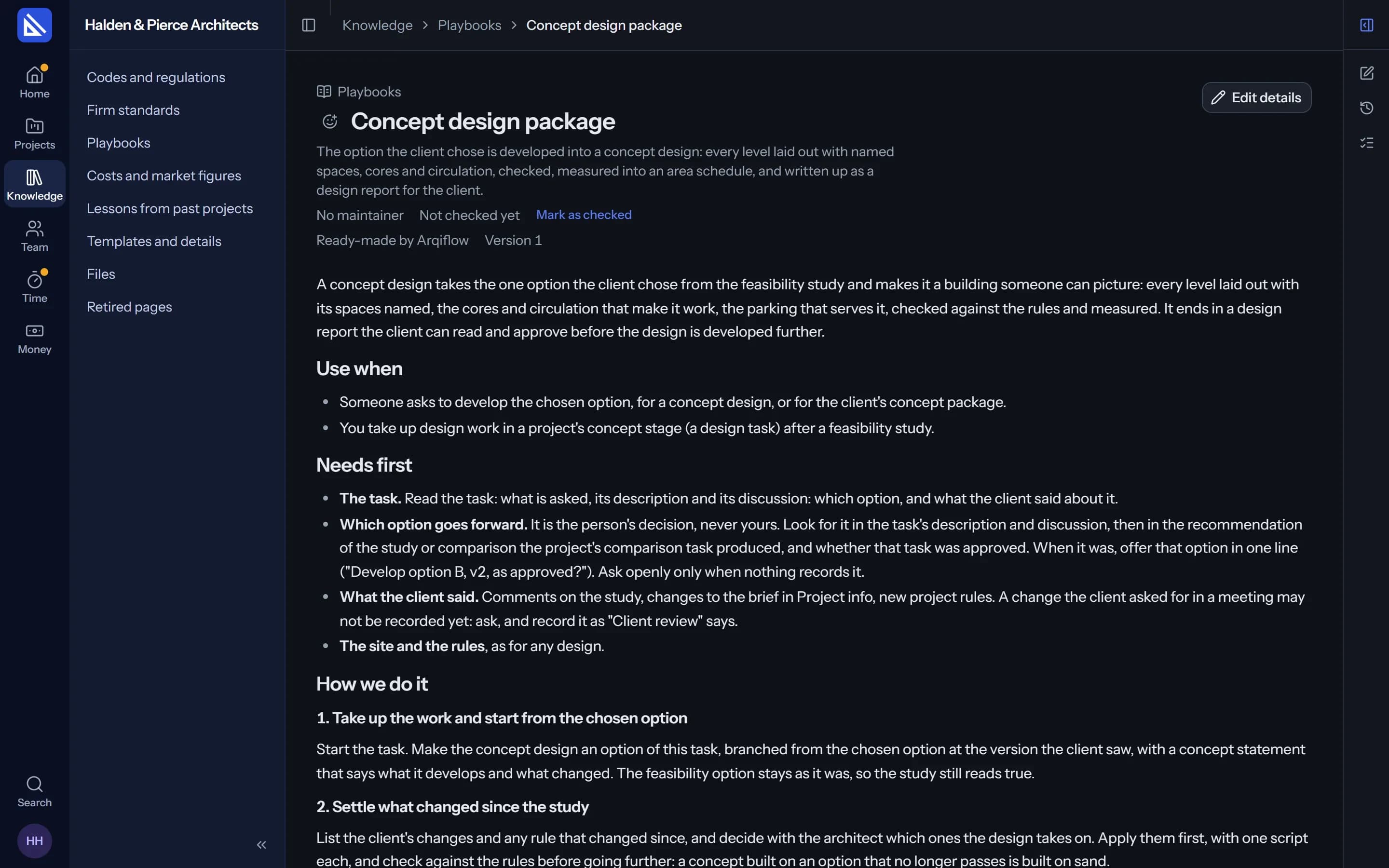
Playbooks are your firm's procedures, written as pages in Knowledge: a feasibility study, a concept design package, a client review. The agent opens the one the work needs and follows it.
- Ready-made to start. Arqiflow comes with playbooks your firm can use as they are or change.
- It learns from corrections. When work comes back, it suggests a better text. An owner or a manager says yes.
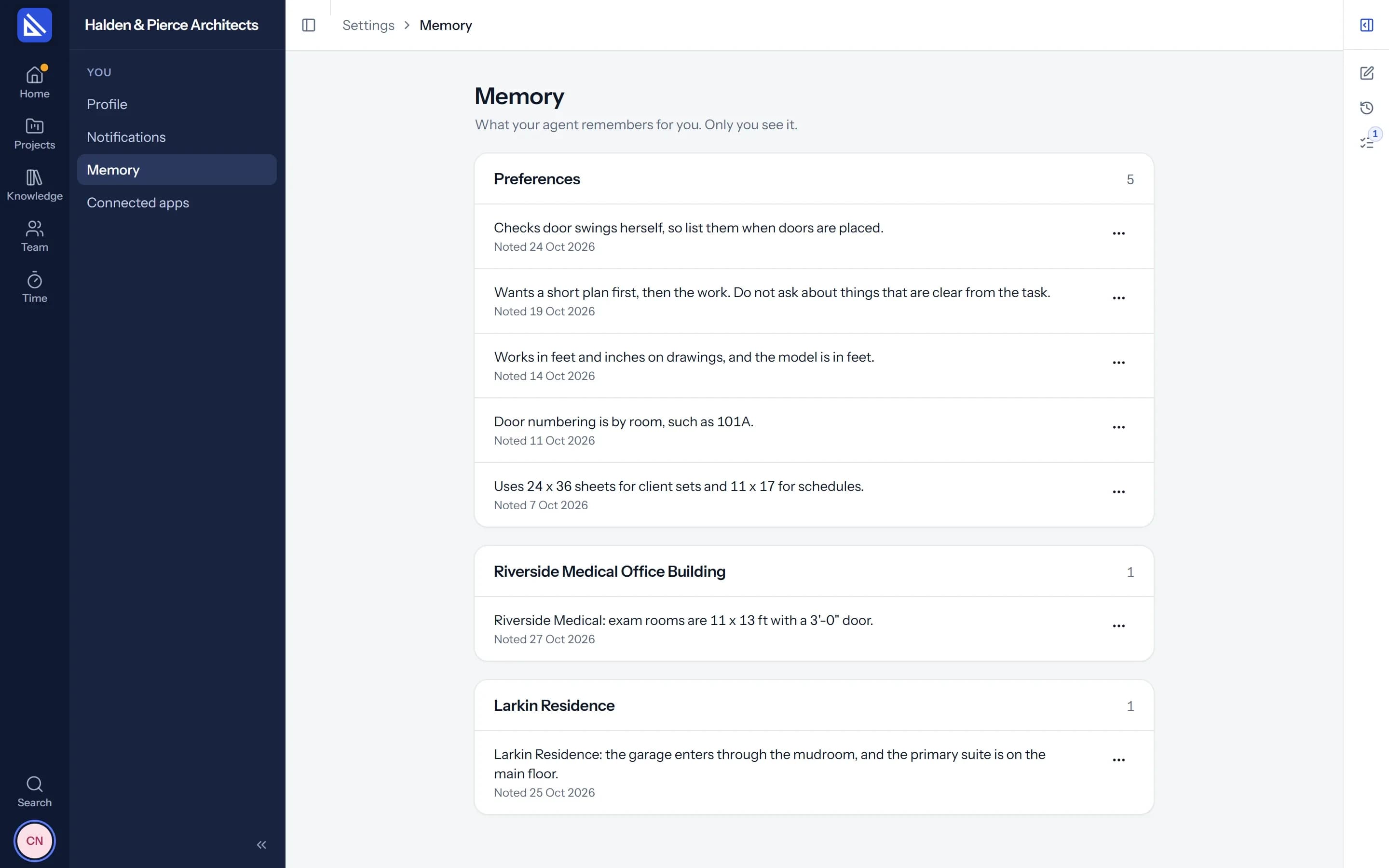
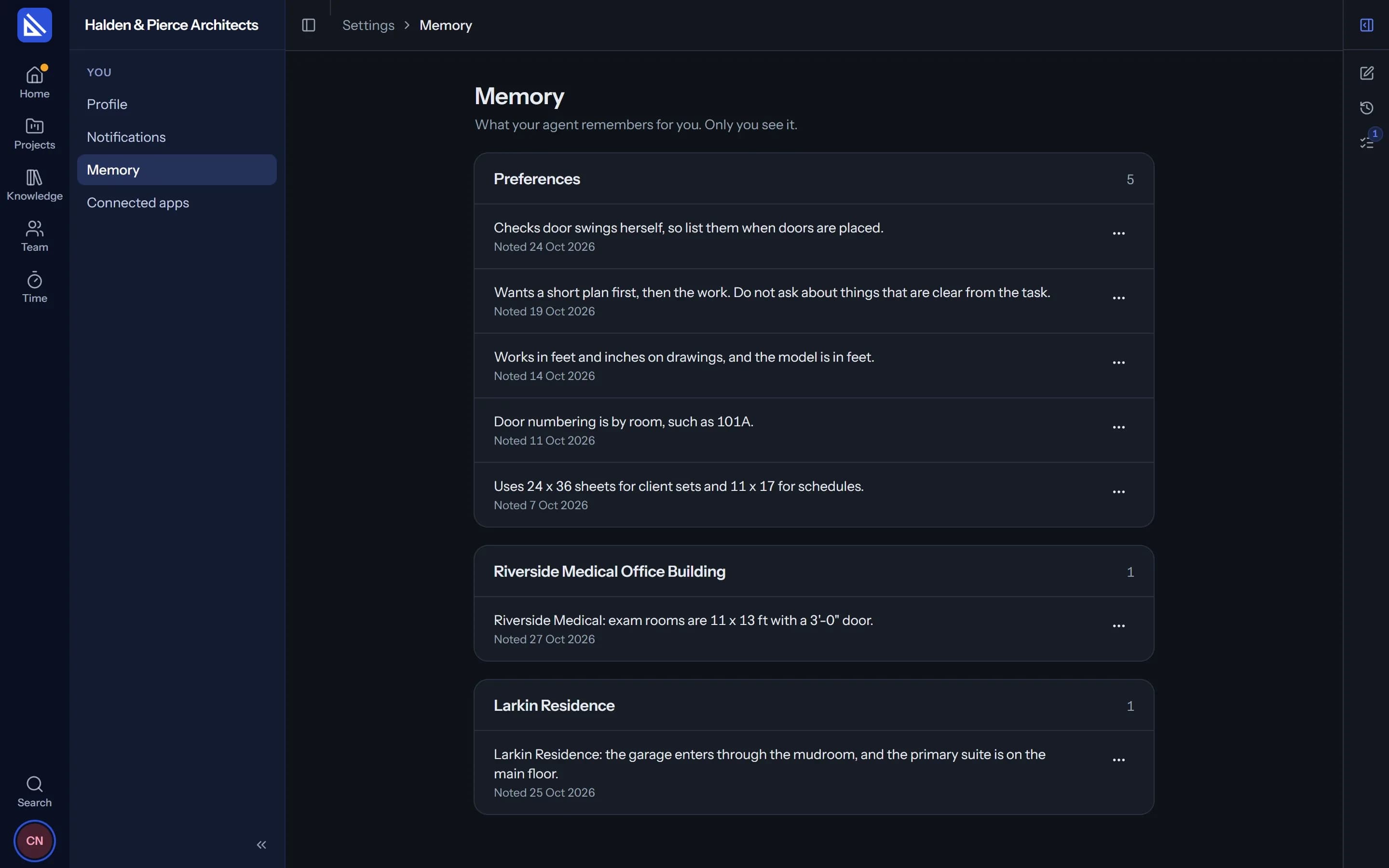
Memory
It remembers how you like things done.
Sheet sizes, the way you number doors, who to copy on a client email. Your agent keeps short notes as it works with you, and uses them next time.
- Yours to edit. See every note in Settings, rewrite it or delete it.
- Yours alone. Each person's agent has its own memory. It is not shared.
What it does
The tedious, error-prone work, one element at a time.
Everything your agent does, it does with your access and from your firm's information.
Sets up projects
Stages, dates, tasks and who could do them, from what you have.
Drafts schemes
Concept schemes on the site, checked against the project's rules.
Builds in Revit
Walls, doors, rooms and tags in the model open on your computer.
Reads drawings and files
PDFs, images and drawings on a task, page by page.
Writes documents
Minutes, design notes and specifications, as docs in the project.
Drafts your timesheet
From what you worked on, for you to correct and submit.
Answers about the firm
Fees, costs, workload and what is late, from the live figures.
Keeps the firm's rules
Records a rule you state, on the right Knowledge page.
Your own agent
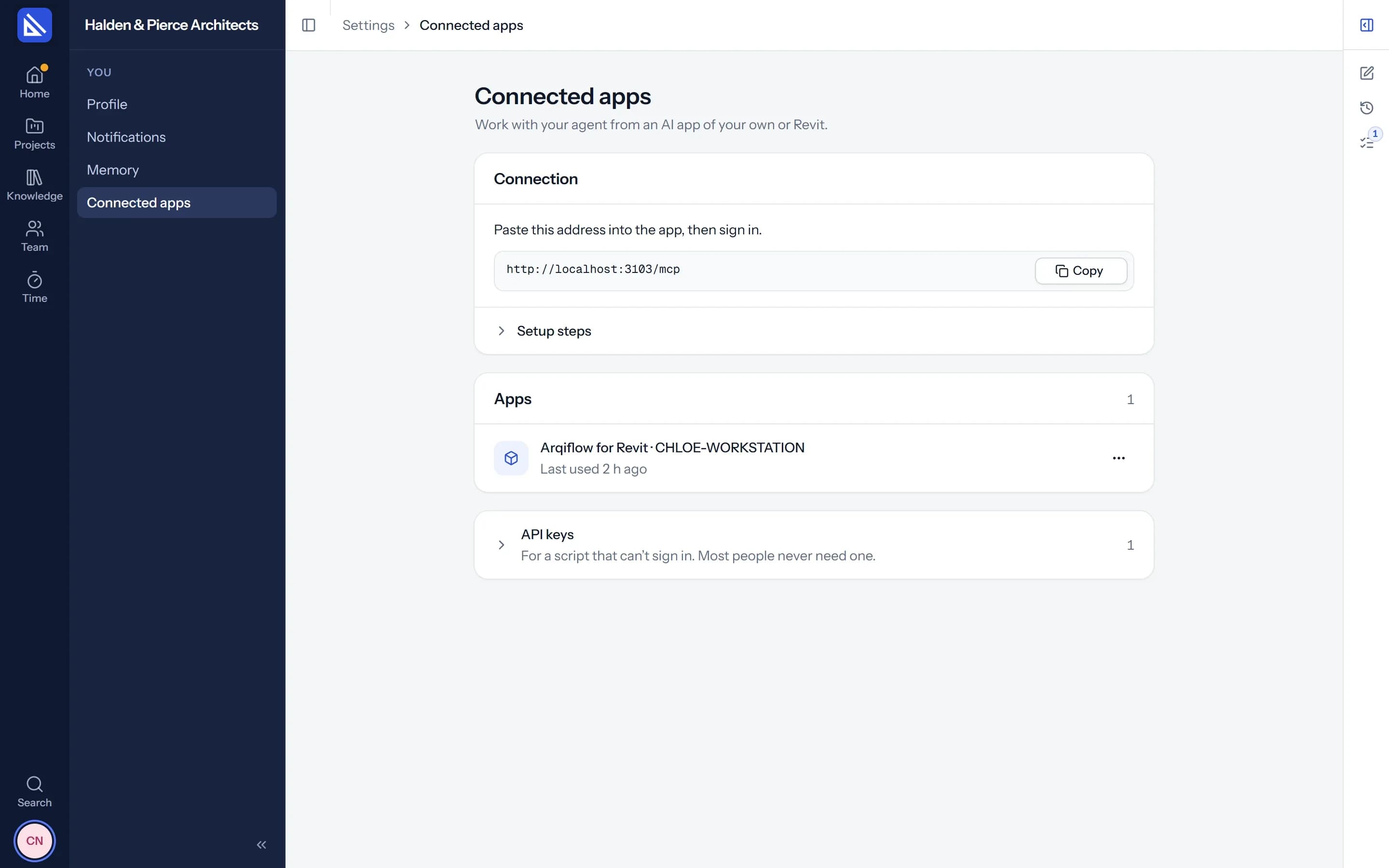
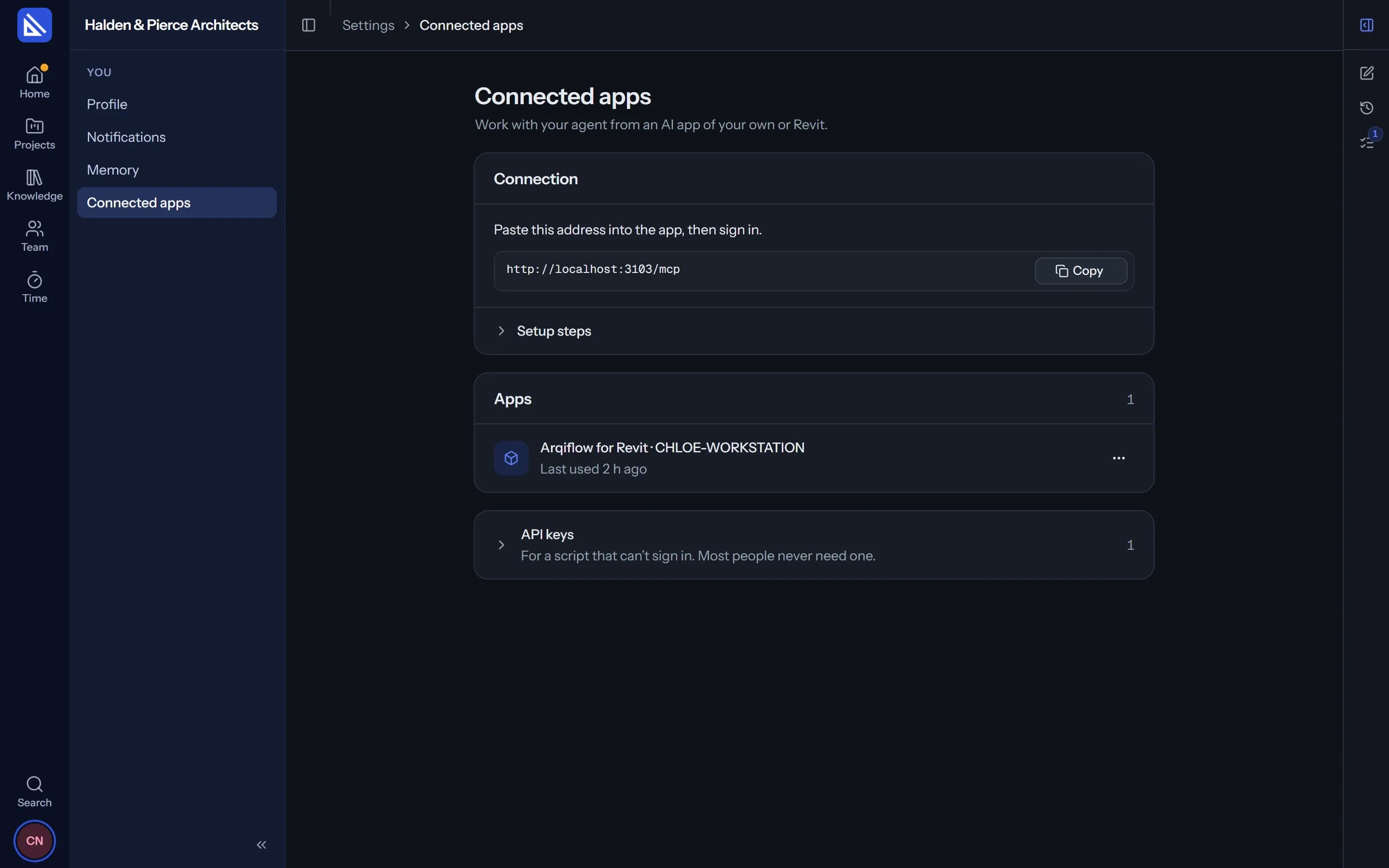
Bring the AI app you already use.
Connect the AI assistant you already use to Arqiflow by signing in and pressing Allow. It works with your access, just like the agent in the app. Settings lists every connected app, and you can disconnect it at any time.
Questions
What happens to what the agent reads?
Can the agent do more than I can?
Does it work on its own while I'm away?
Can my manager read my chats?
Is the agent in the free trial?
More of Arqiflow
Projects and tasks
Stages, tasks, reviews and checklists
Learn moreViews and Dashboard
Board, Calendar, Timeline and charts
Learn moreTemplates and import
Start projects fast, move in easily
Learn moreRevit
Walls, doors, rooms and stairs
Learn moreKnowledge
Your rules, standards and playbooks
Learn moreInbox and notifications
Mentions, reviews and email
Learn moreDocs and files
Minutes, drawings and models
Learn moreBoards
A live canvas for crits and precedents
Learn moreTime and money
Timesheets, fees and profit
Learn morePeople and time off
Team, workload and leave
Learn more
Bring your next project into Arqiflow.
Run your own projects and people in it free for 14 days, with no card. The agent comes with a plan.