Boards
The project's pin-up wall, live.
An infinite canvas for every project. Pin up drawings and mark them up in a crit, sort precedents, draw the adjacency diagram, run a workshop with the client. The tasks, docs and schemes on it are the real ones, and your agent works on it with you.
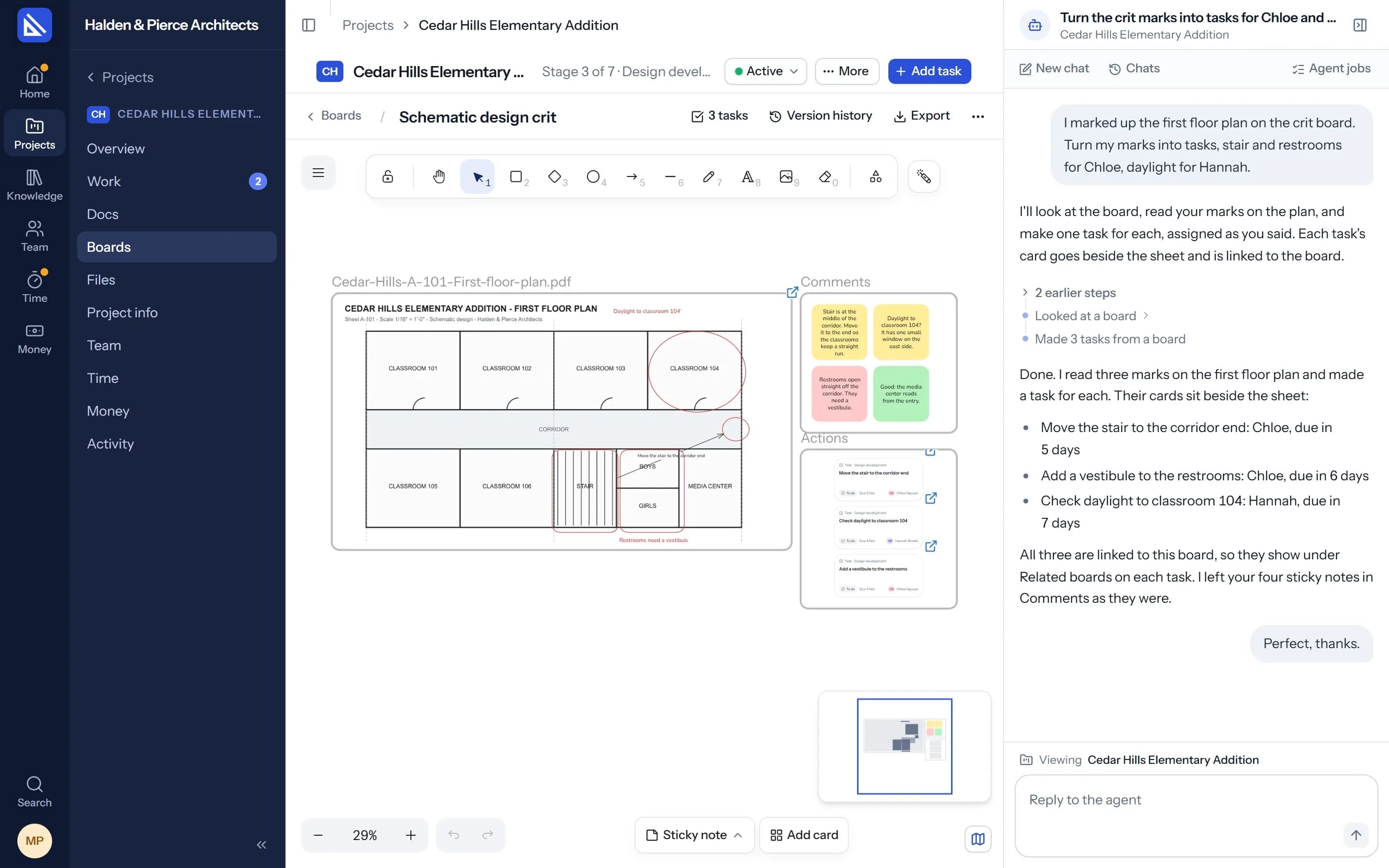
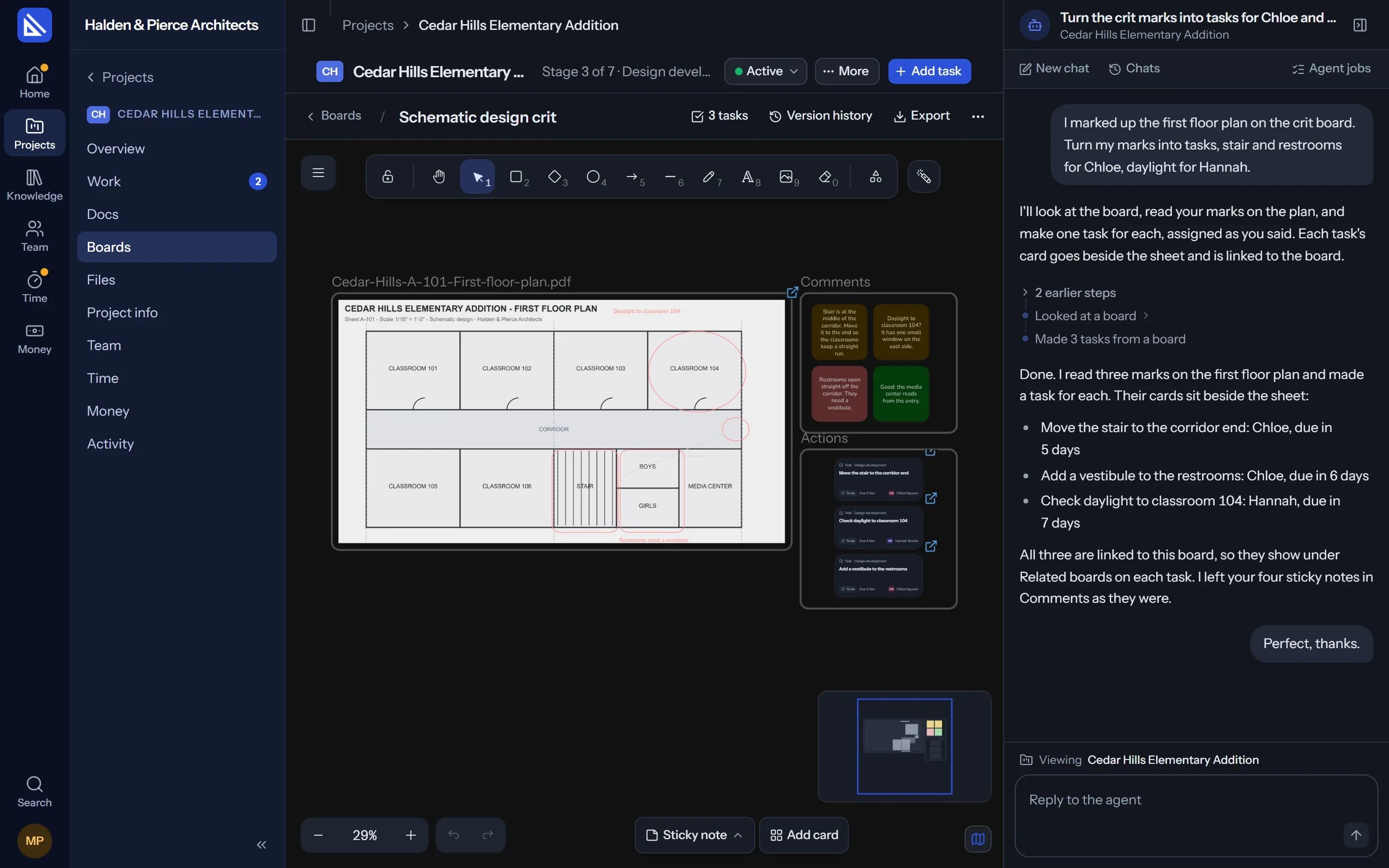
Crit wall
Mark up the drawing. Leave with the tasks.
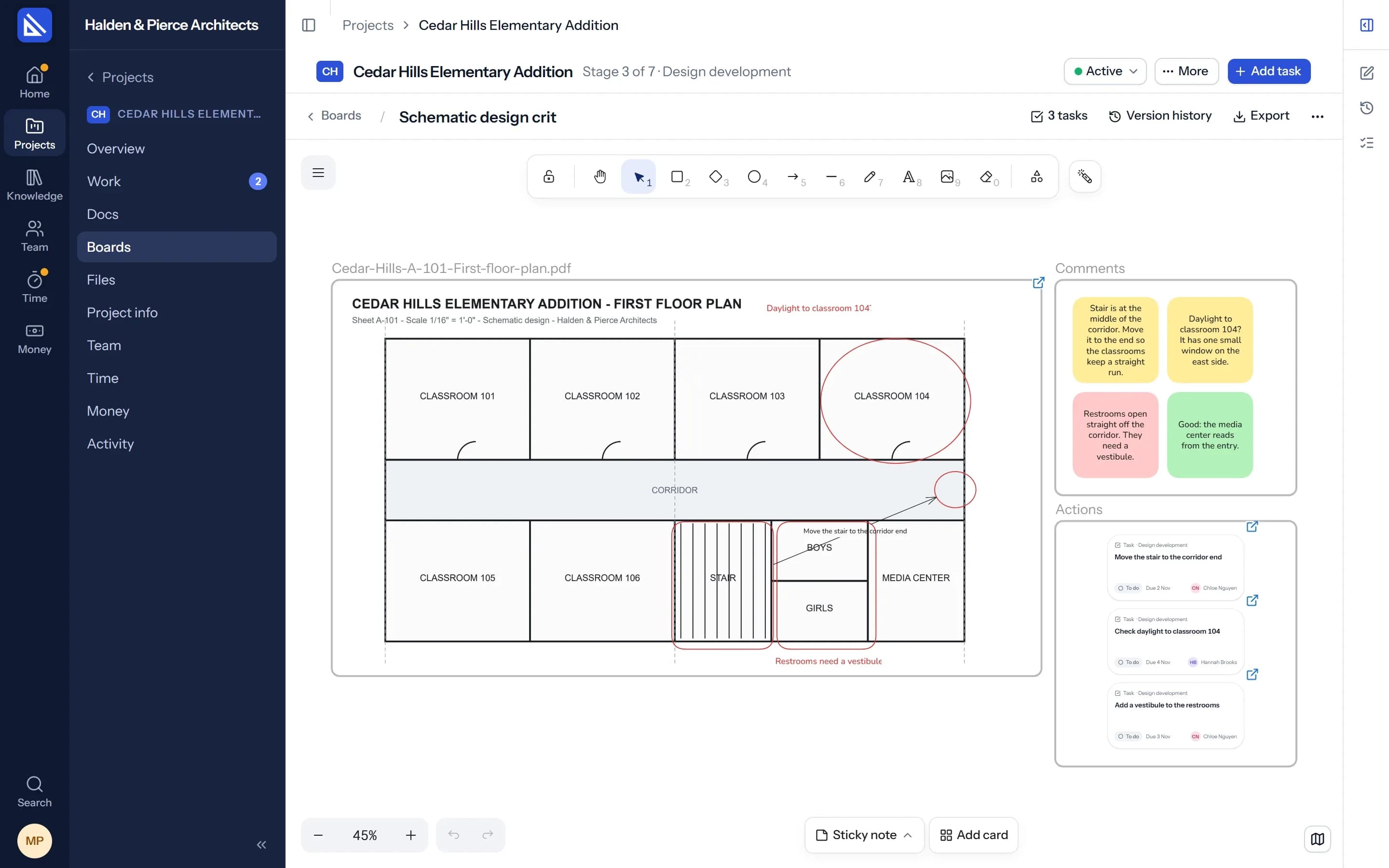
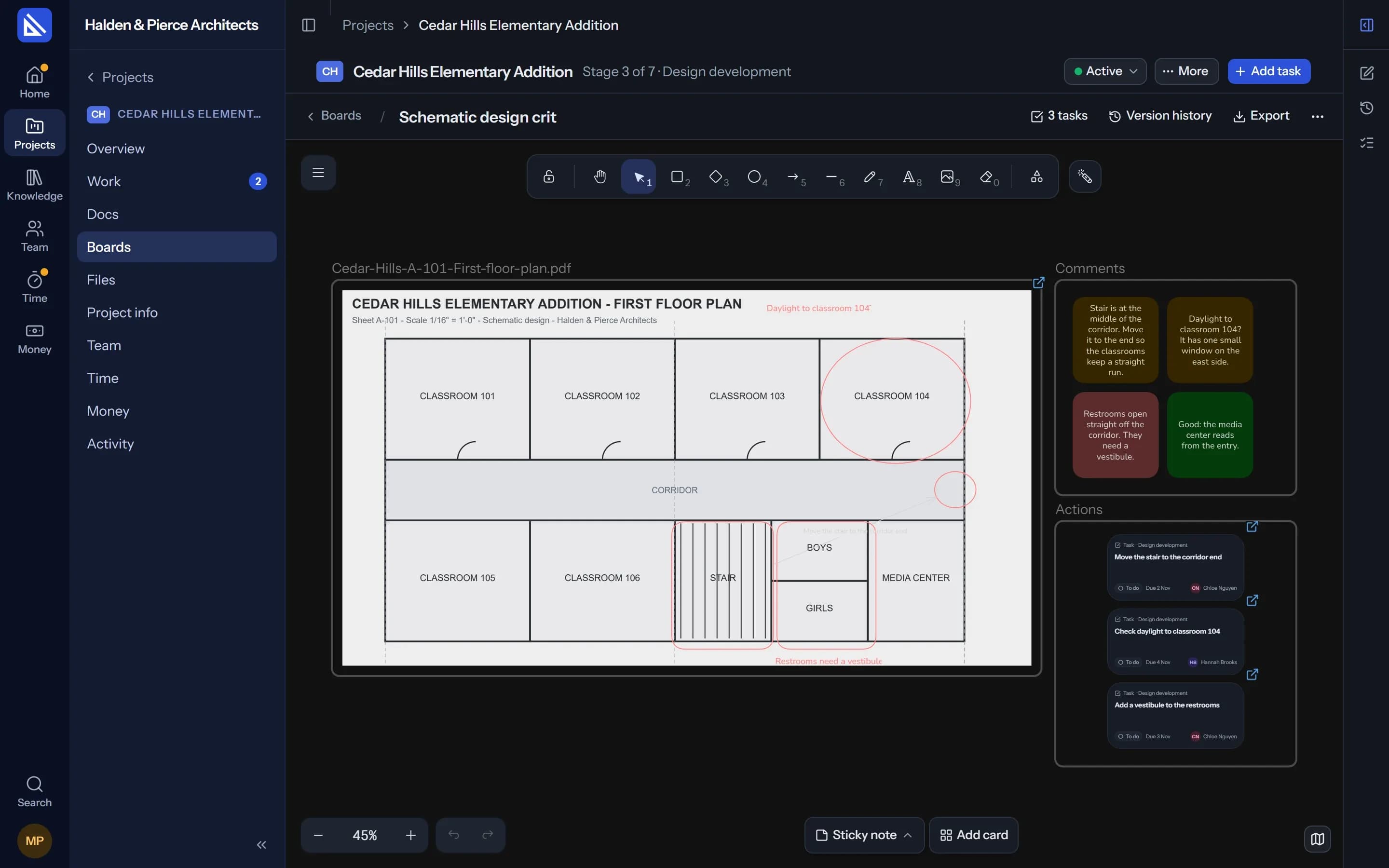
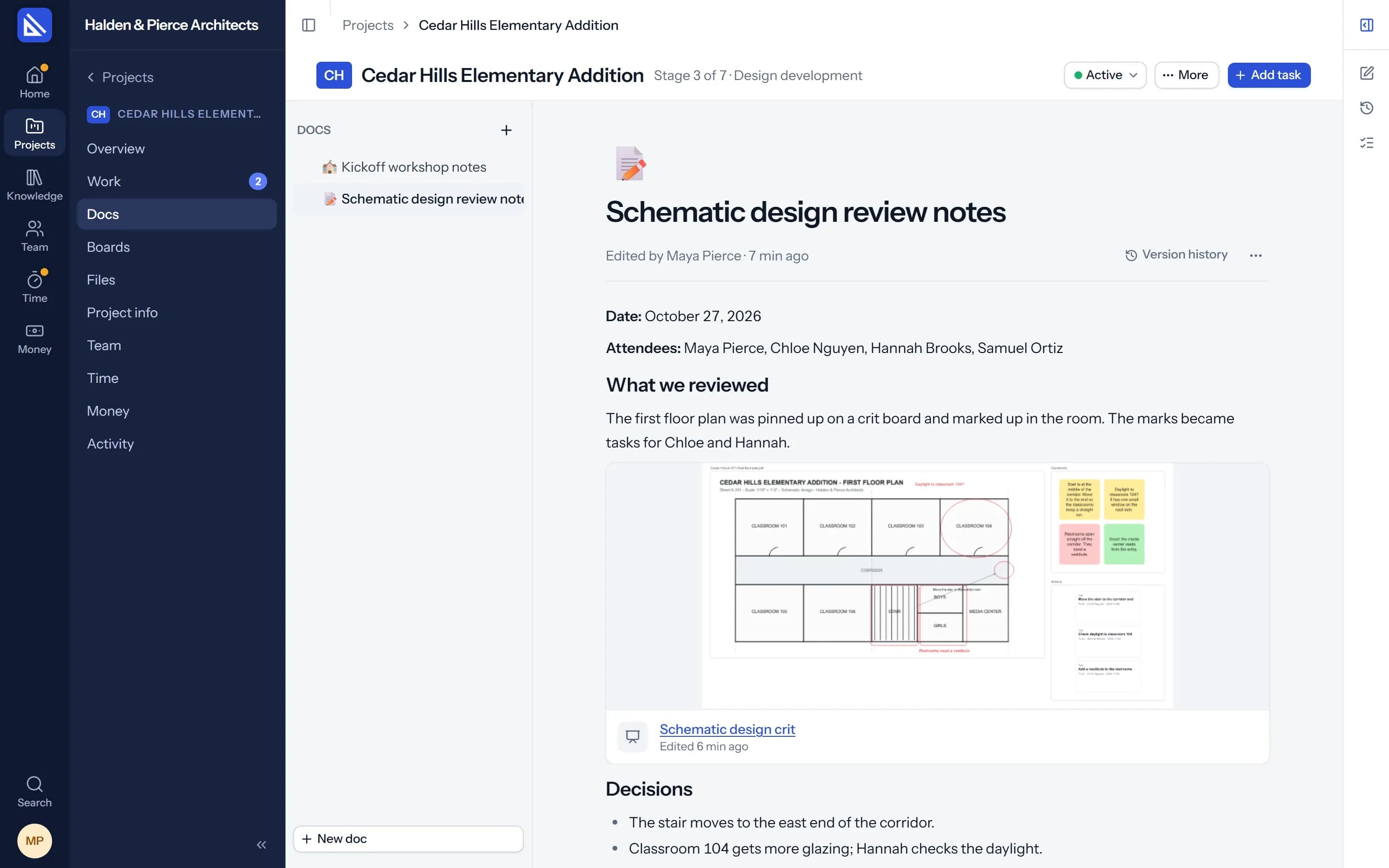
Pin a drawing up as a sheet and draw over it in the review: circles, arrows, notes. Ask your agent to turn the marks into tasks, and each one appears beside the sheet as a live card, linked to the board, with who answers for it.
- Always the latest. A sheet shows the file's latest version, and its name says which.
- Marks stay with it. What is drawn over a sheet moves and exports with it.
Client workshop
Run the workshop on the board.
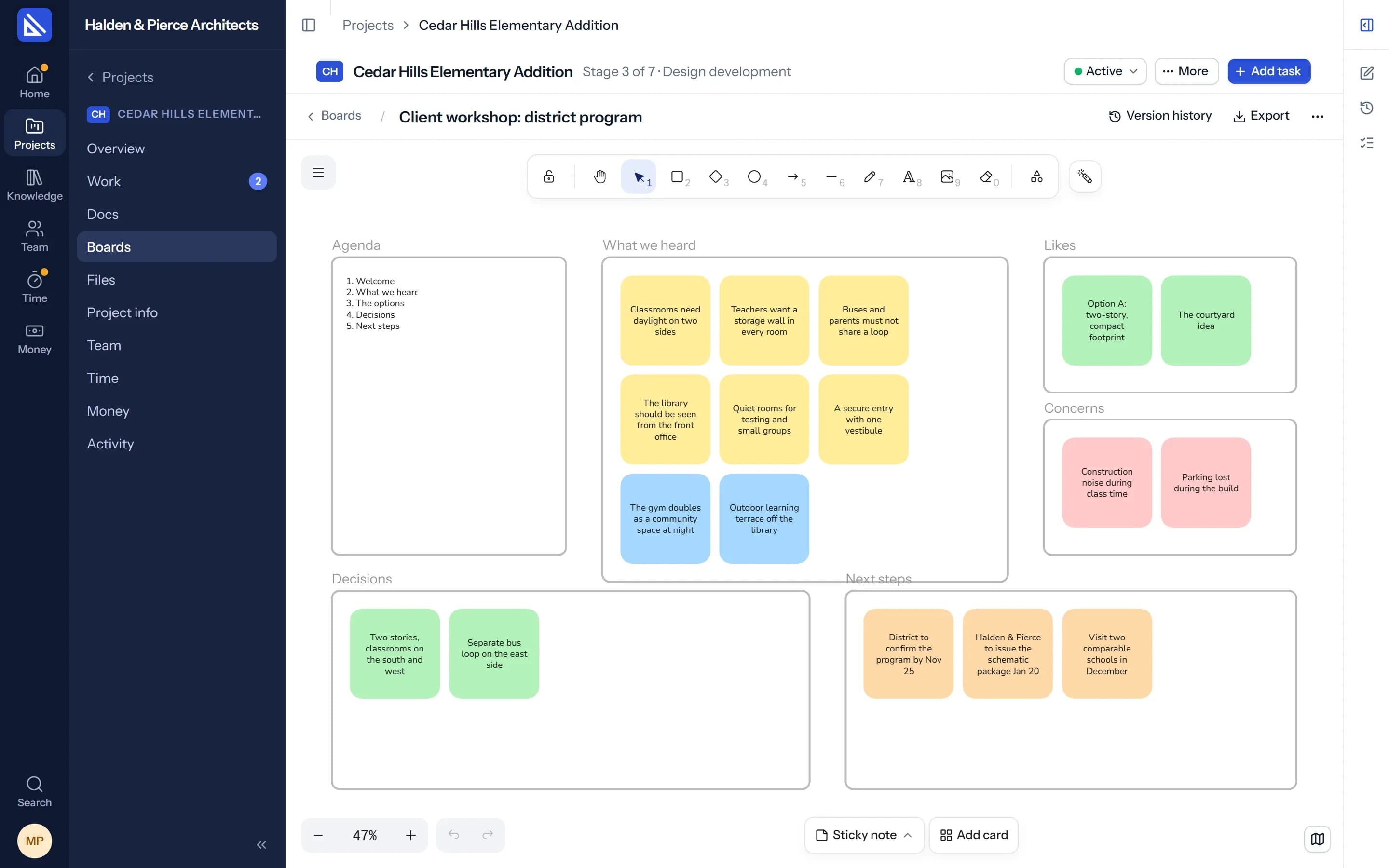
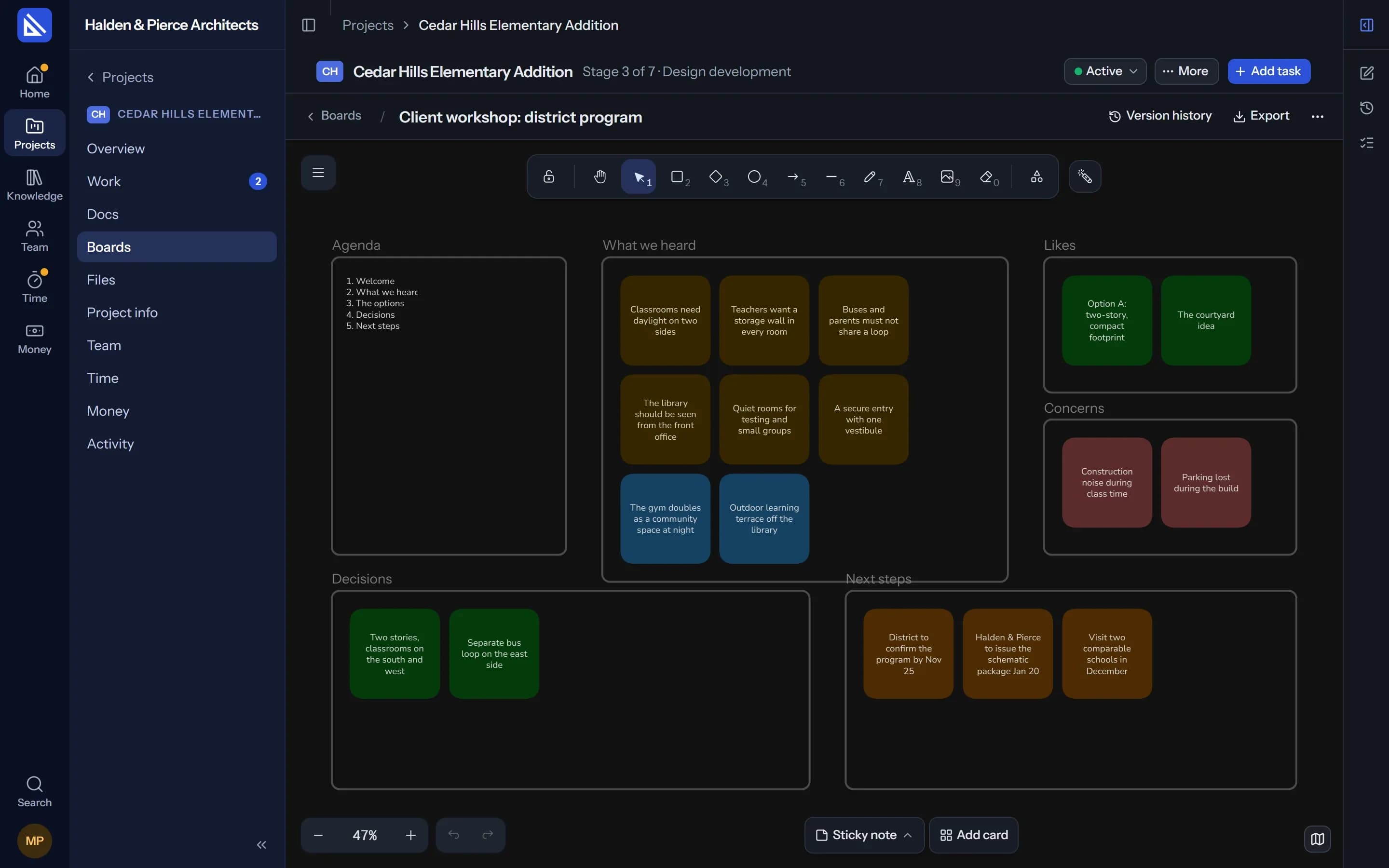
Start from the Client workshop template: agenda, what we heard, likes, concerns, decisions and next steps. Let the client add their own sticky notes, live, on that board alone.
- Live cards. Add a task, a doc, a scheme or another board, and it shows what the app says now. Paste an Arqiflow link and it becomes its card.
- Drop a file. It is kept in the project's Files and pinned up as a sheet.
With your agent
Sort, group and draw, on request.
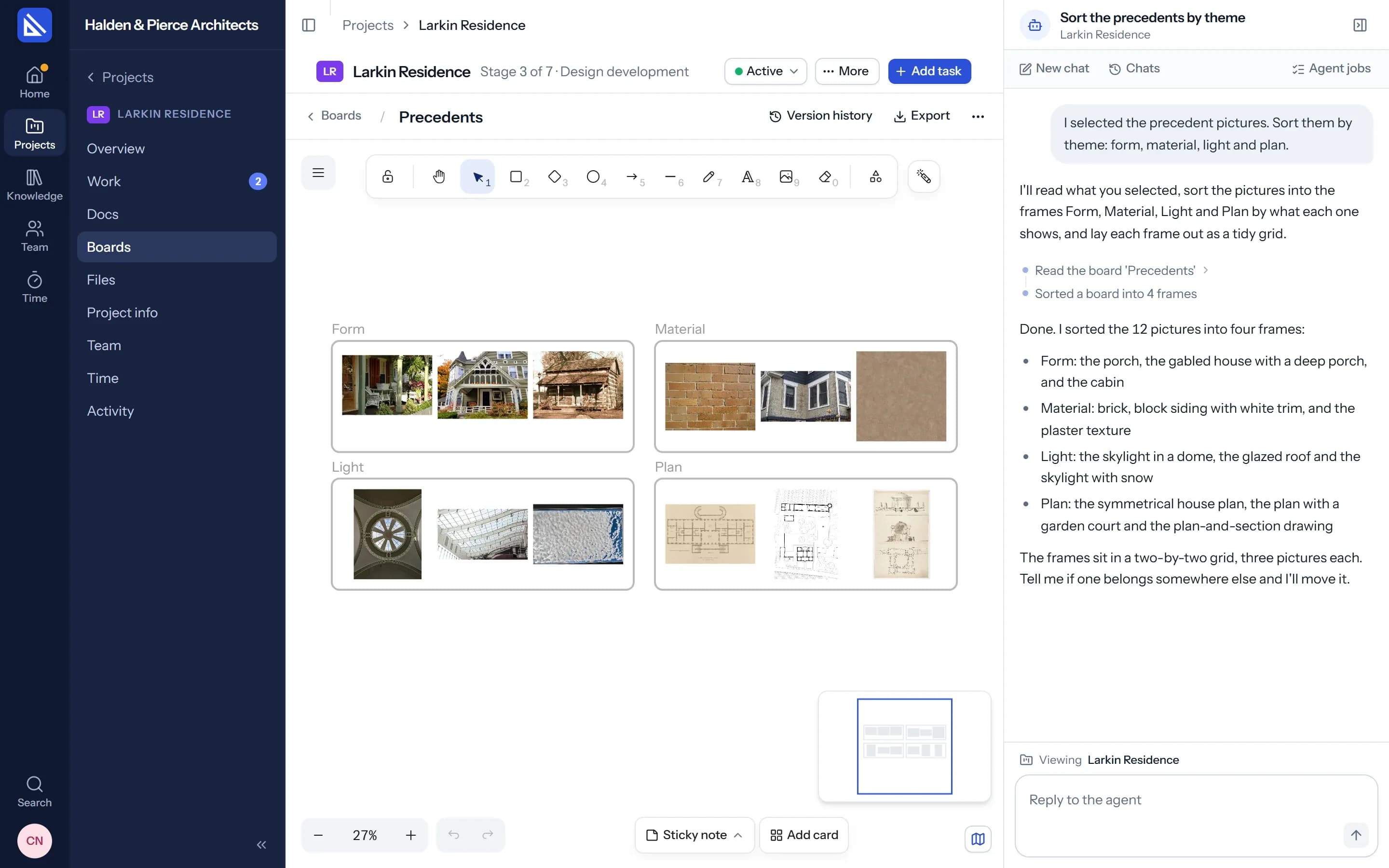
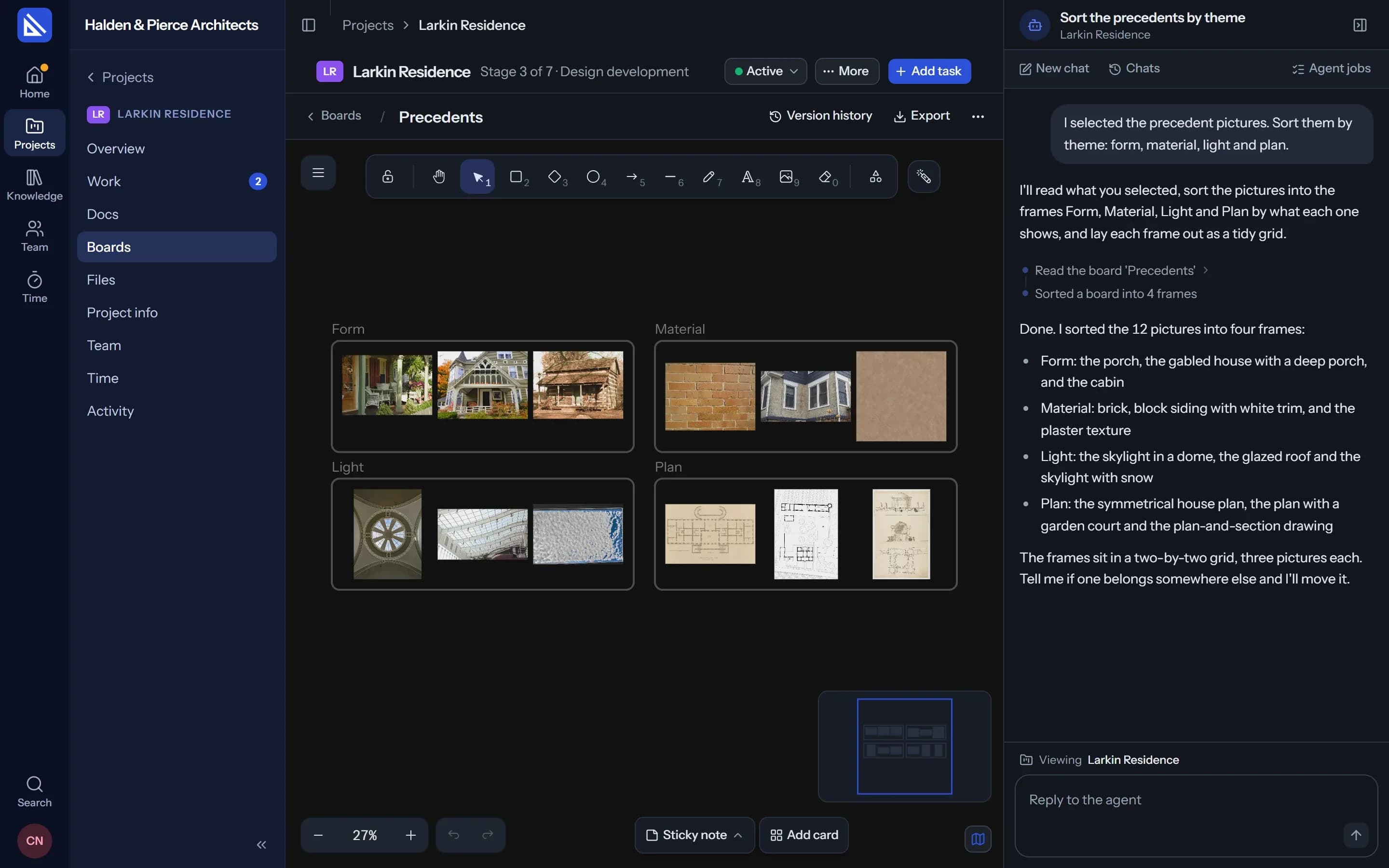
Select a pile of precedents and ask your agent to sort them by theme: it makes the frames and lays each one out. It reads the board, looks at a marked-up sheet, adds notes and cards, and lays out the schemes side by side with their figures.
- On the record. What the agent does is a version of the board, marked as your agent's.
- As it happens. Everyone with the board open sees its changes arrive.
Adjacency diagram
From the brief to the bubble diagram.
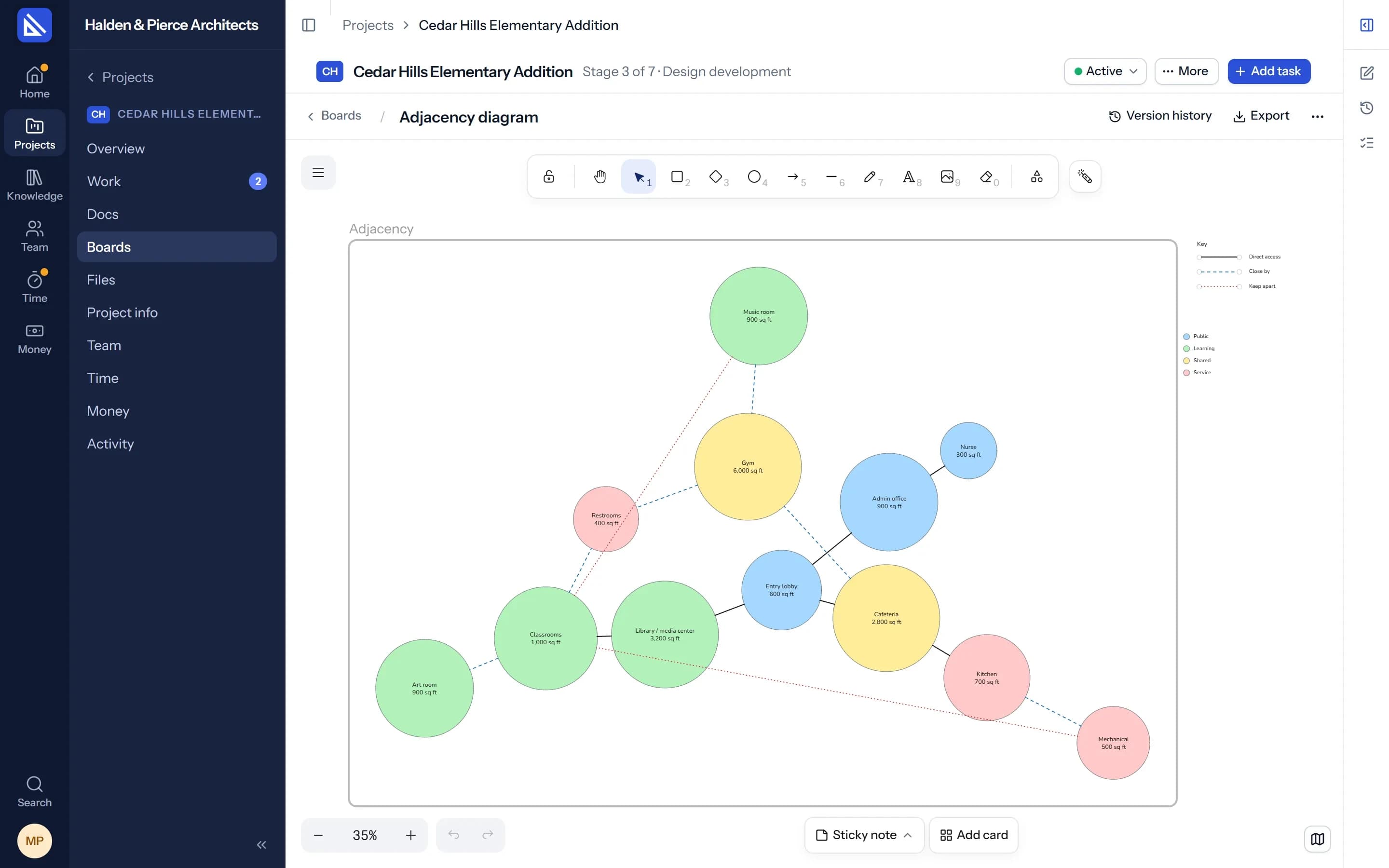
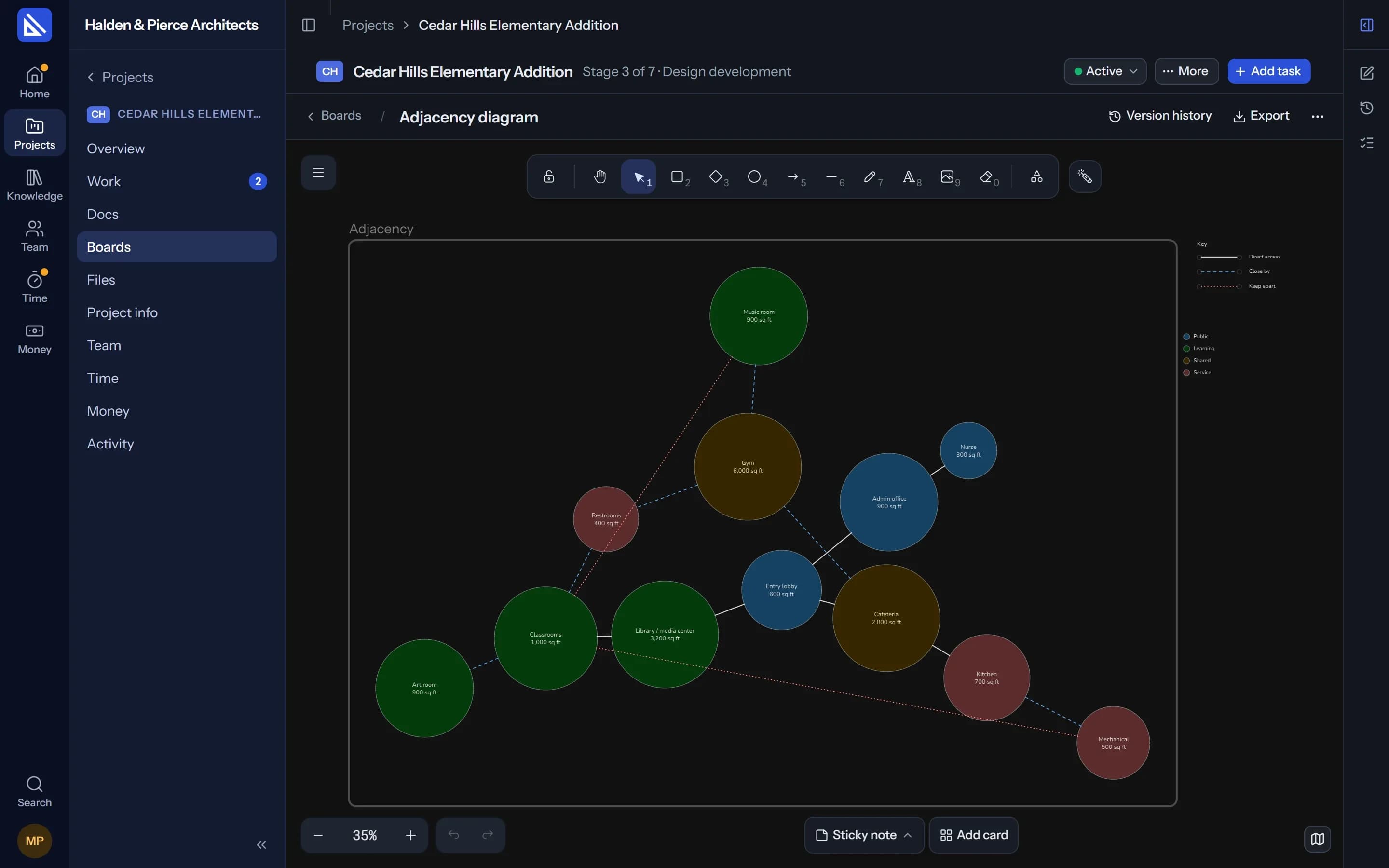
Your agent draws the adjacency diagram from the brief's rooms and how they relate, or from a scheme's plan: circles sized by area, coloured by zone, joined by direct access, close by or keep apart, with a key. The same brief gives the same diagram every time.
Beyond the board
In the doc, on the task, in search.
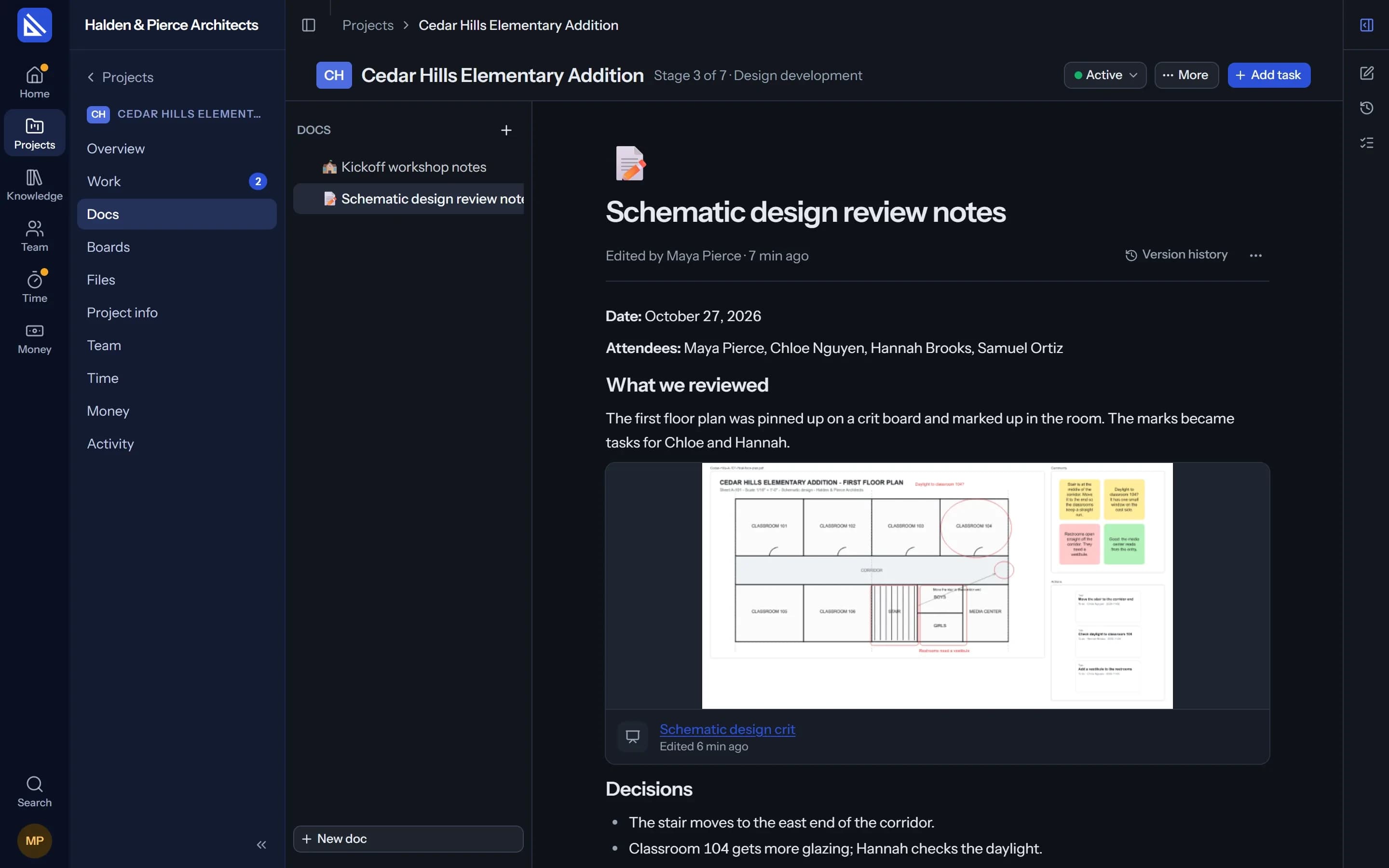
Show a board inside a doc, list the boards a task works from, and find a board by any word written on it. Name a colleague on a board and they hear about it in their Inbox.
Everything a pin-up wall needs.
The canvas is Excalidraw, in Arqiflow's own look, light and dark.
Templates
Crit wall, Precedents, Adjacency diagram and Client workshop, or a blank board.
Together, live
Everyone's pointer and changes as they happen. Offline work is sent when you are back.
Version history
Every version kept, with who made it. Restore any one.
Export
The board or one frame as PNG, PDF or SVG, downloaded or saved to the project's Files.
Mentions
@ a colleague on a board and it reaches their Inbox.
Search
Find a board by its title or by any word on it.
Questions
Can clients and consultants use a board?
Who can change a board?
What happens to pictures I drop on a board?
More of Arqiflow
Projects and tasks
Stages, tasks, reviews and checklists
Learn moreViews and Dashboard
Board, Calendar, Timeline and charts
Learn moreTemplates and import
Start projects fast, move in easily
Learn moreThe agent
An AI copilot for each person
Learn moreRevit
Walls, doors, rooms and stairs
Learn moreKnowledge
Your rules, standards and playbooks
Learn moreInbox and notifications
Mentions, reviews and email
Learn moreDocs and files
Minutes, drawings and models
Learn moreTime and money
Timesheets, fees and profit
Learn morePeople and time off
Team, workload and leave
Learn more
Bring your next project into Arqiflow.
Run your own projects and people in it free for 14 days, with no card. The agent comes with a plan.