Inbox and notifications
Everything that needs you, in one list.
Tasks given to you, reviews asked of you, mentions, approvals, time off and your agent's finished work arrive in your Inbox. Read it, act on it, archive it.
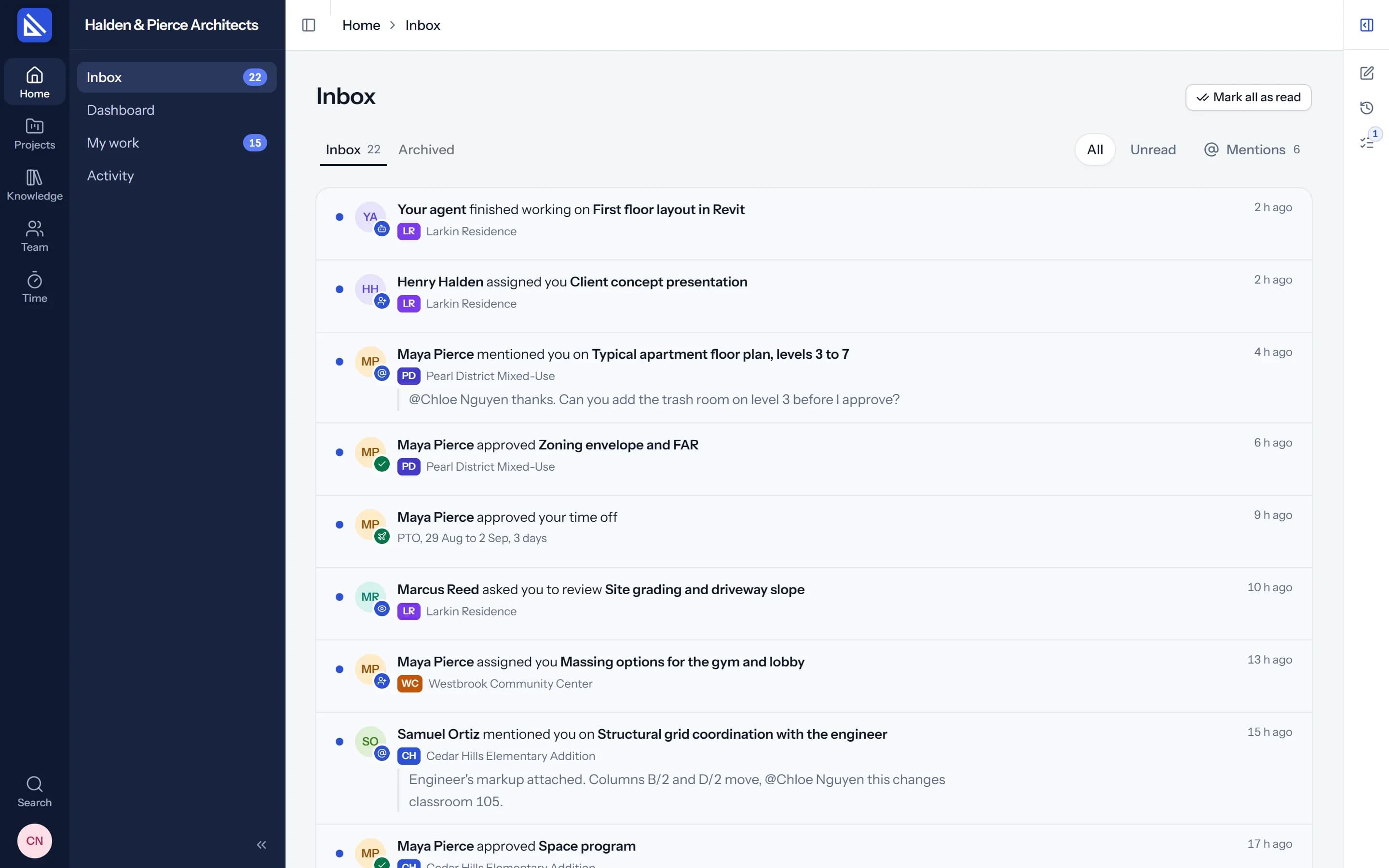
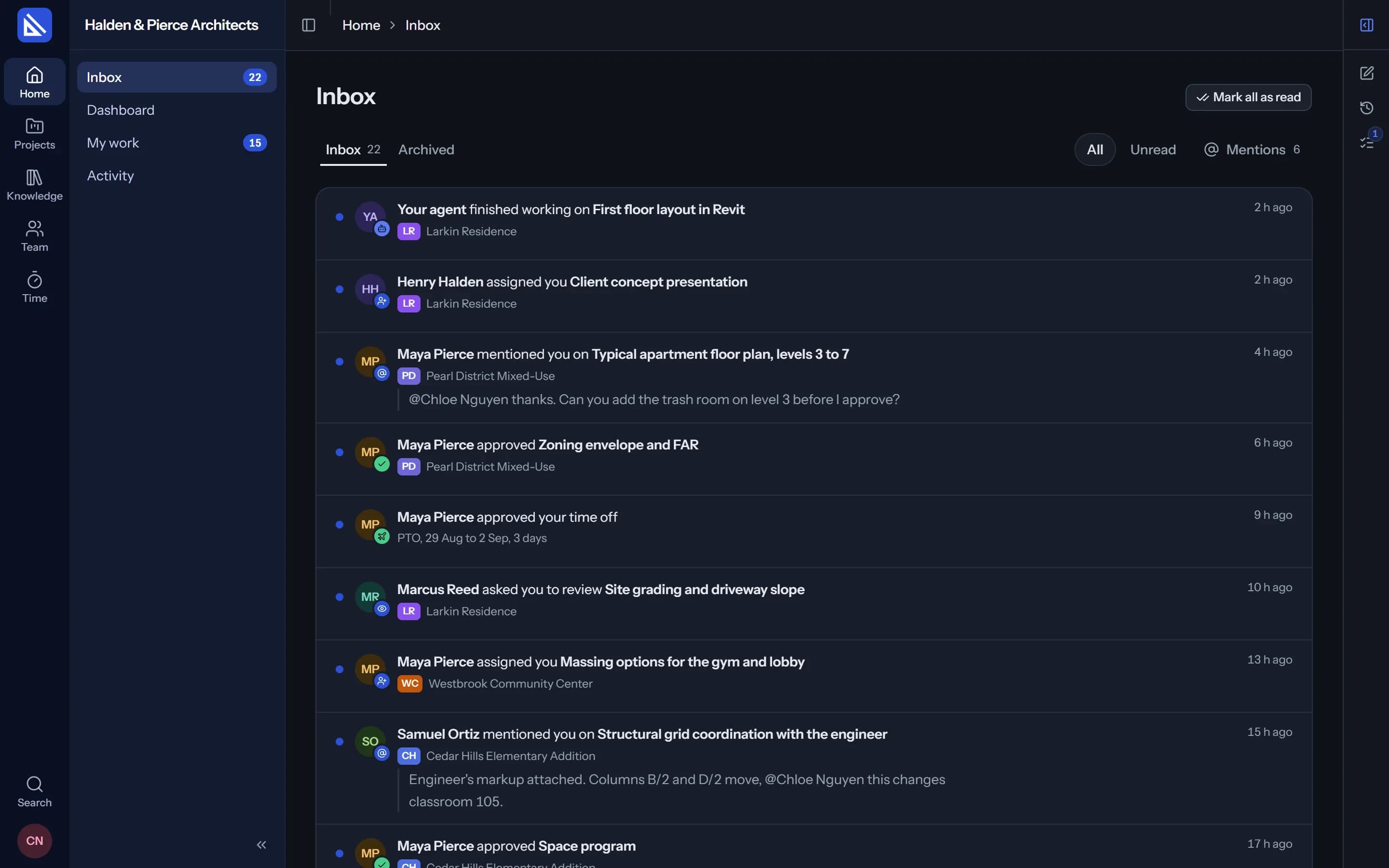
Mentions
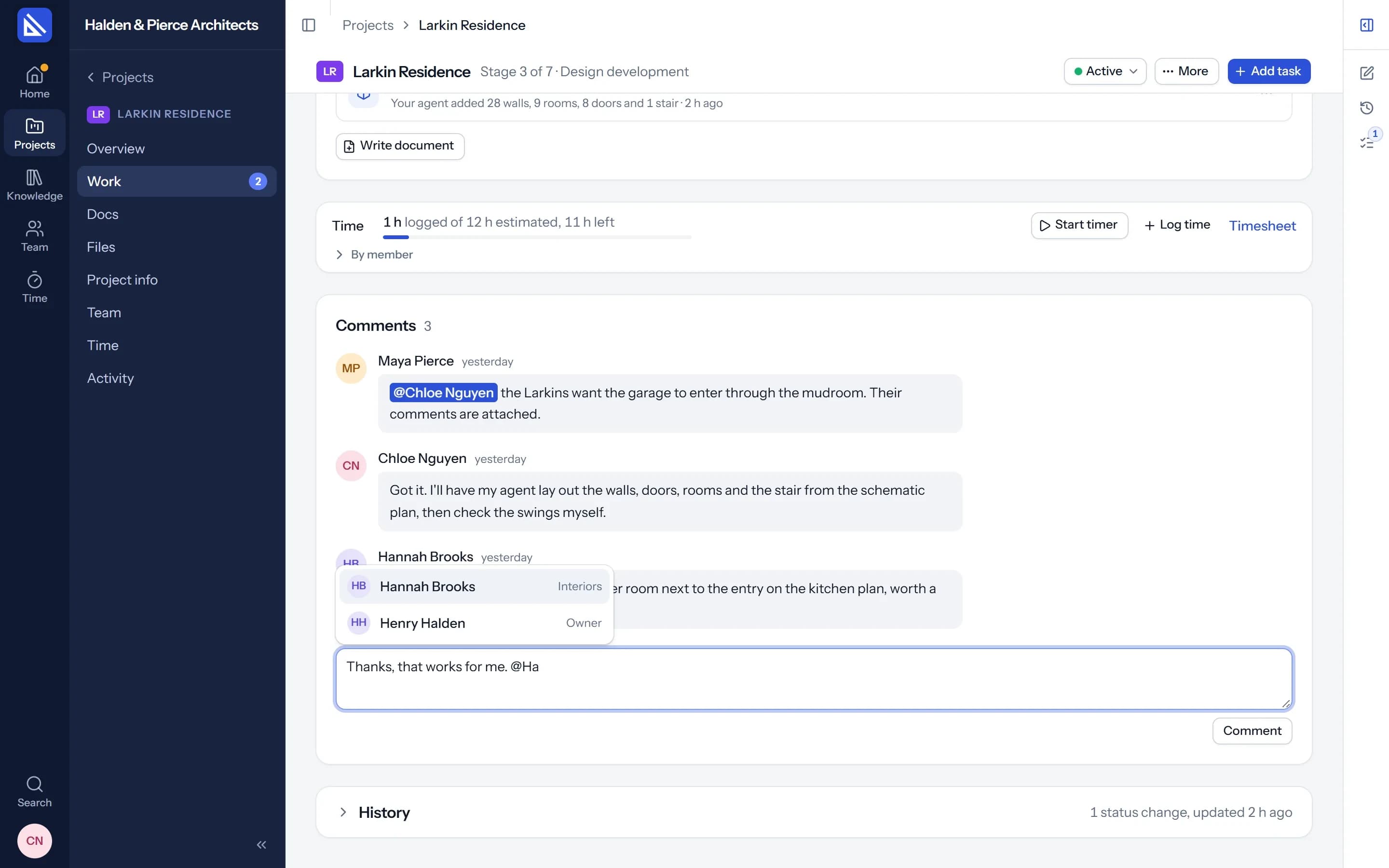
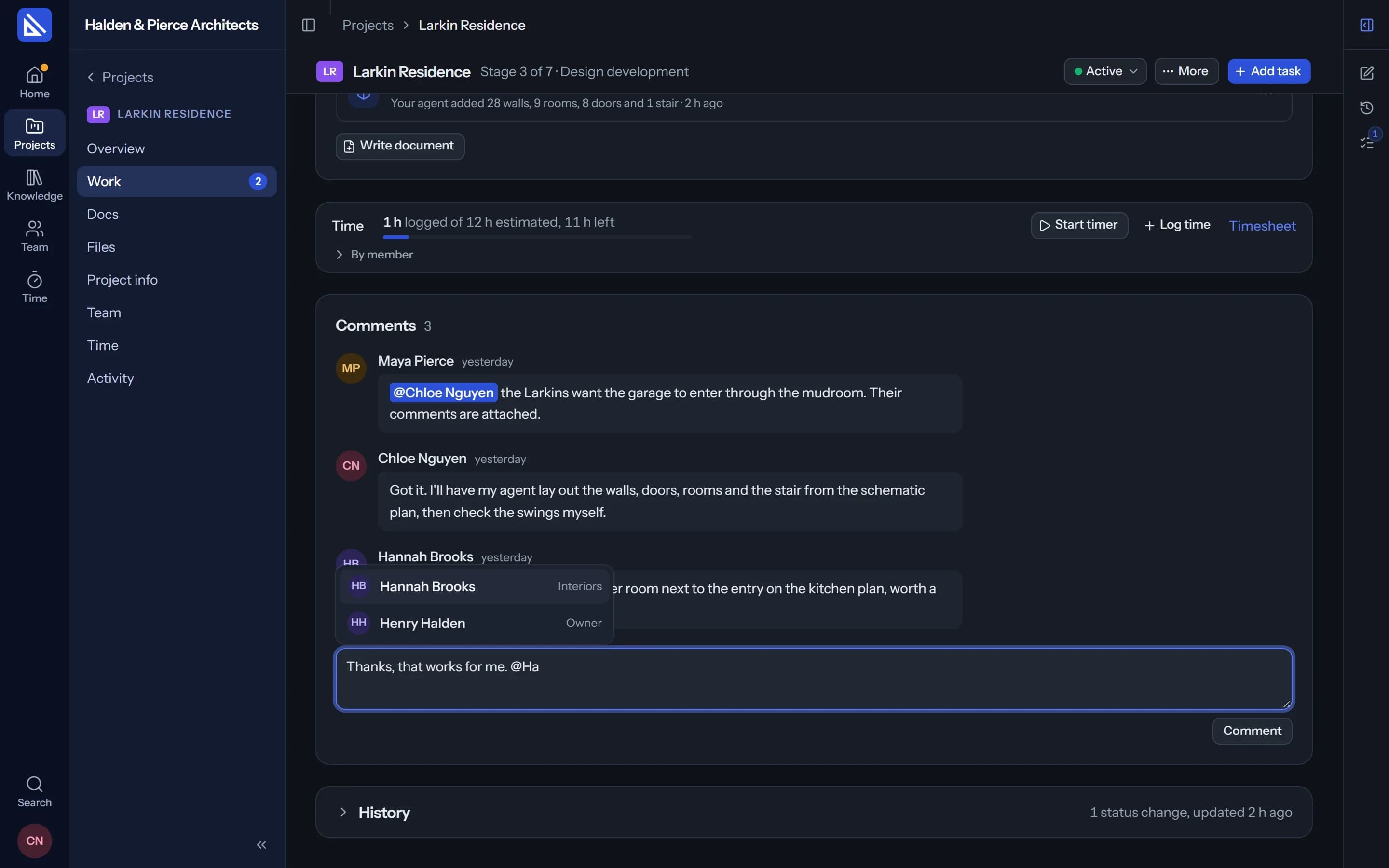
@ a colleague, and they know.
Type @ in a task's comments to bring in anyone who can see the project. It lands in their Inbox and their email, with the comment and a link to the task.
Email for what matters, and nothing you caused.
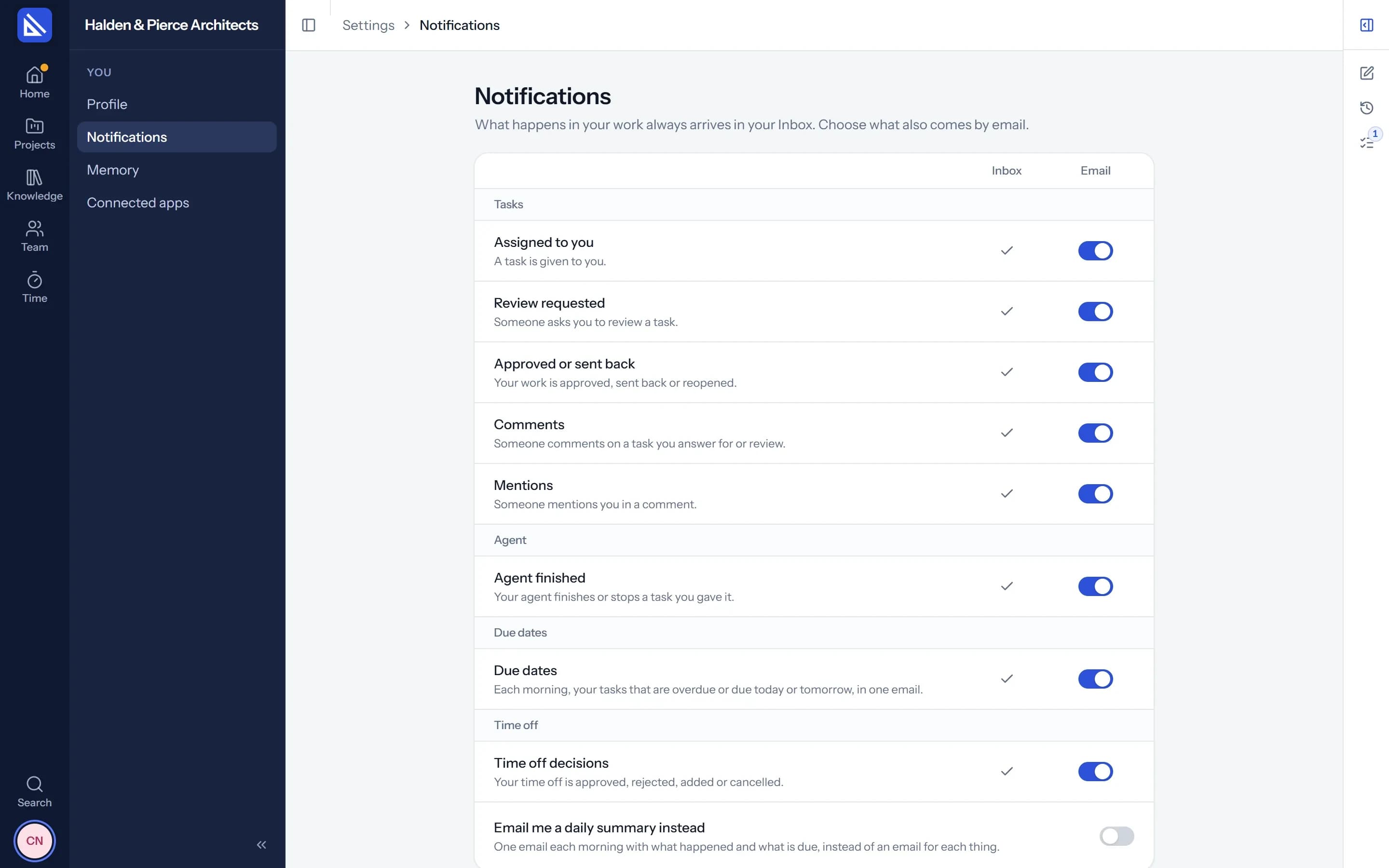
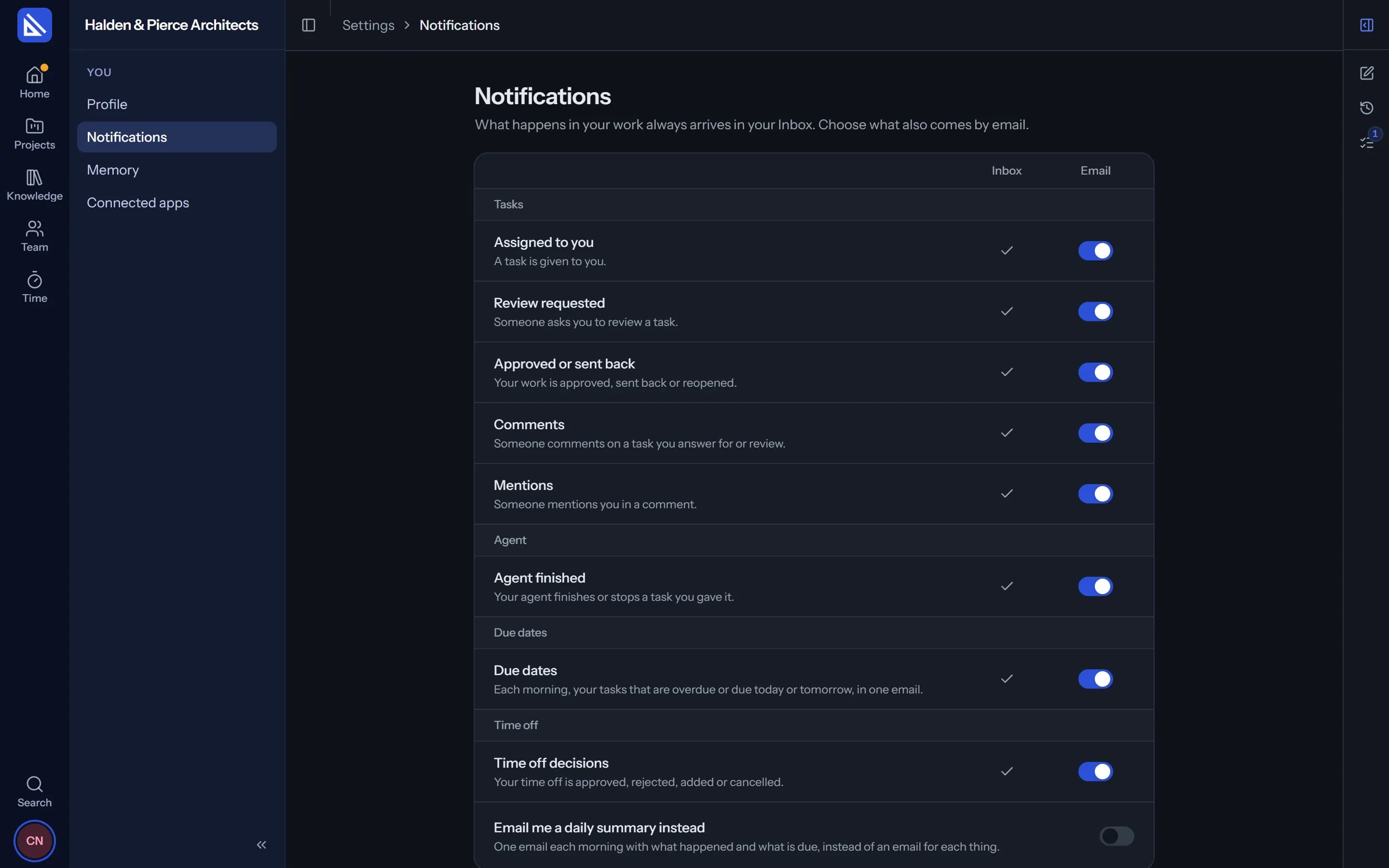
What lands in your Inbox can also reach your email, never for something you did yourself. Each morning, one email of what is due and what is overdue.
- Your choice. Pick what is emailed in Settings, one by one, or take a daily summary instead.
Made to get through quickly.
Keyboard
J and K to move, E to archive, U to mark unread.
Archive
Clear what is done. Mark all as read in one click.
Filters
Only unread, or only where you were mentioned.
Start where it matters
When something is unread, signing in opens your Inbox.
On your desktop
The desktop app shows reviews, new tasks and your agent's finished work.
Your agent reads it too
Ask it what came in while you were in a meeting.
Questions
Is my Inbox shared?
Can I stop the emails?
More of Arqiflow
Projects and tasks
Stages, tasks, reviews and checklists
Learn moreViews and Dashboard
Board, Calendar, Timeline and charts
Learn moreTemplates and import
Start projects fast, move in easily
Learn moreThe agent
An AI copilot for each person
Learn moreRevit
Walls, doors, rooms and stairs
Learn moreKnowledge
Your rules, standards and playbooks
Learn moreDocs and files
Minutes, drawings and models
Learn moreBoards
A live canvas for crits and precedents
Learn moreTime and money
Timesheets, fees and profit
Learn morePeople and time off
Team, workload and leave
Learn more
Bring your next project into Arqiflow.
Run your own projects and people in it free for 14 days, with no card. The agent comes with a plan.