Templates and import
Start the next project where the last one left off.
Save a project as a template and start new ones from it, dated from their start. Bring your current tasks and people in from the tools you use now. A new firm is shown what to set up first.
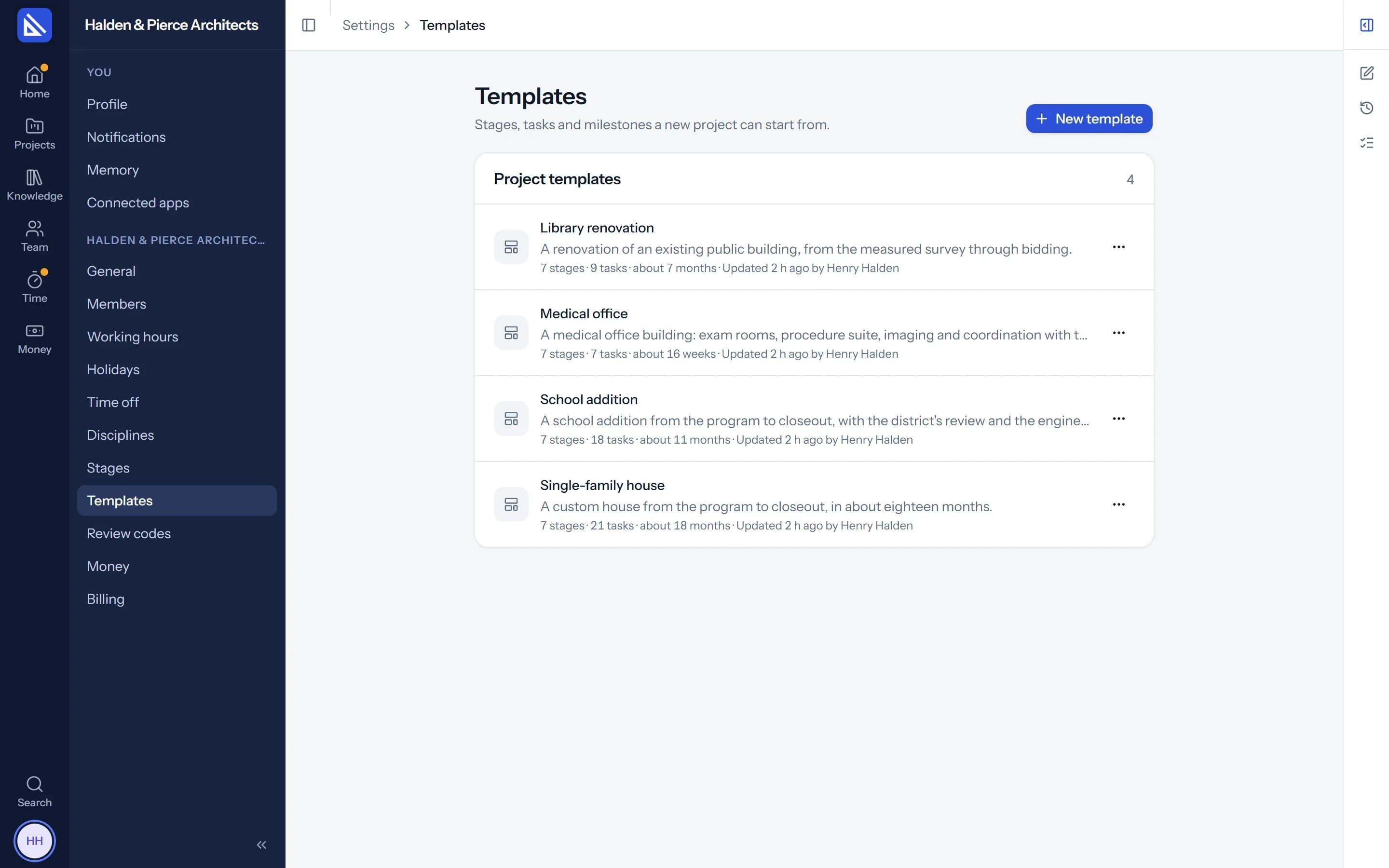
Templates
Your way of running a project, ready to reuse.
Save any project as a template from its More menu, or build one in Settings, laid out like a project's Work. Start a new project from it: the stages, tasks, checklists and key dates arrive dated from the start date you give, with the fee split by stage.
- Ready to start. A new firm gets a ready-made template to begin with.
- With your agent. When your agent sets up a project from a brief, it starts from your template.
Import
Move in without retyping.
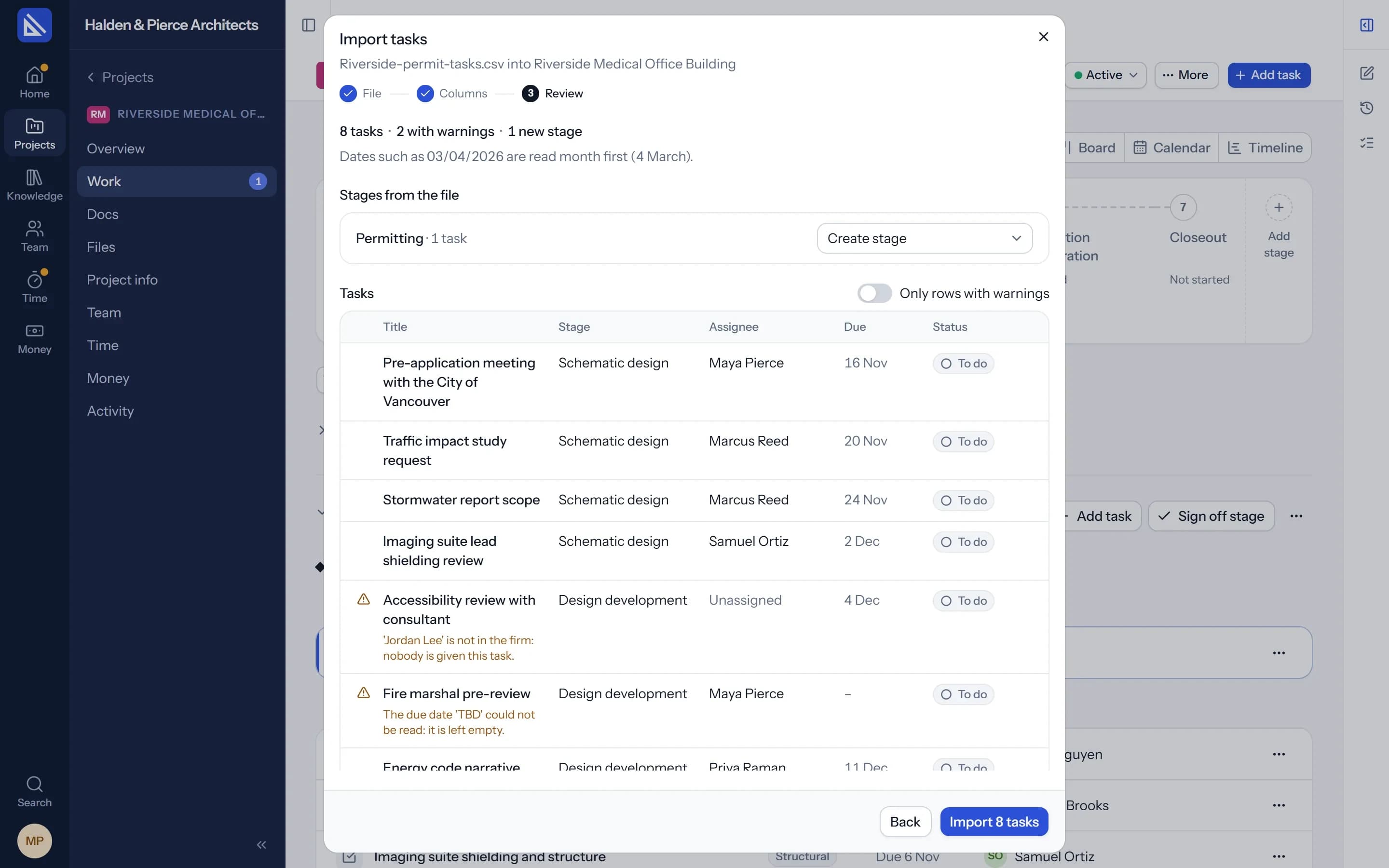
Bring a project's tasks or the firm's people in from a CSV or Excel file. Exports from Asana, monday.com, ClickUp, Linear and Monograph are recognised as they are.
- Warnings, not walls. A person, a stage, a date or a status Arqiflow doesn't know is pointed out, and the import goes on.
Get started
A new firm knows what to do first.
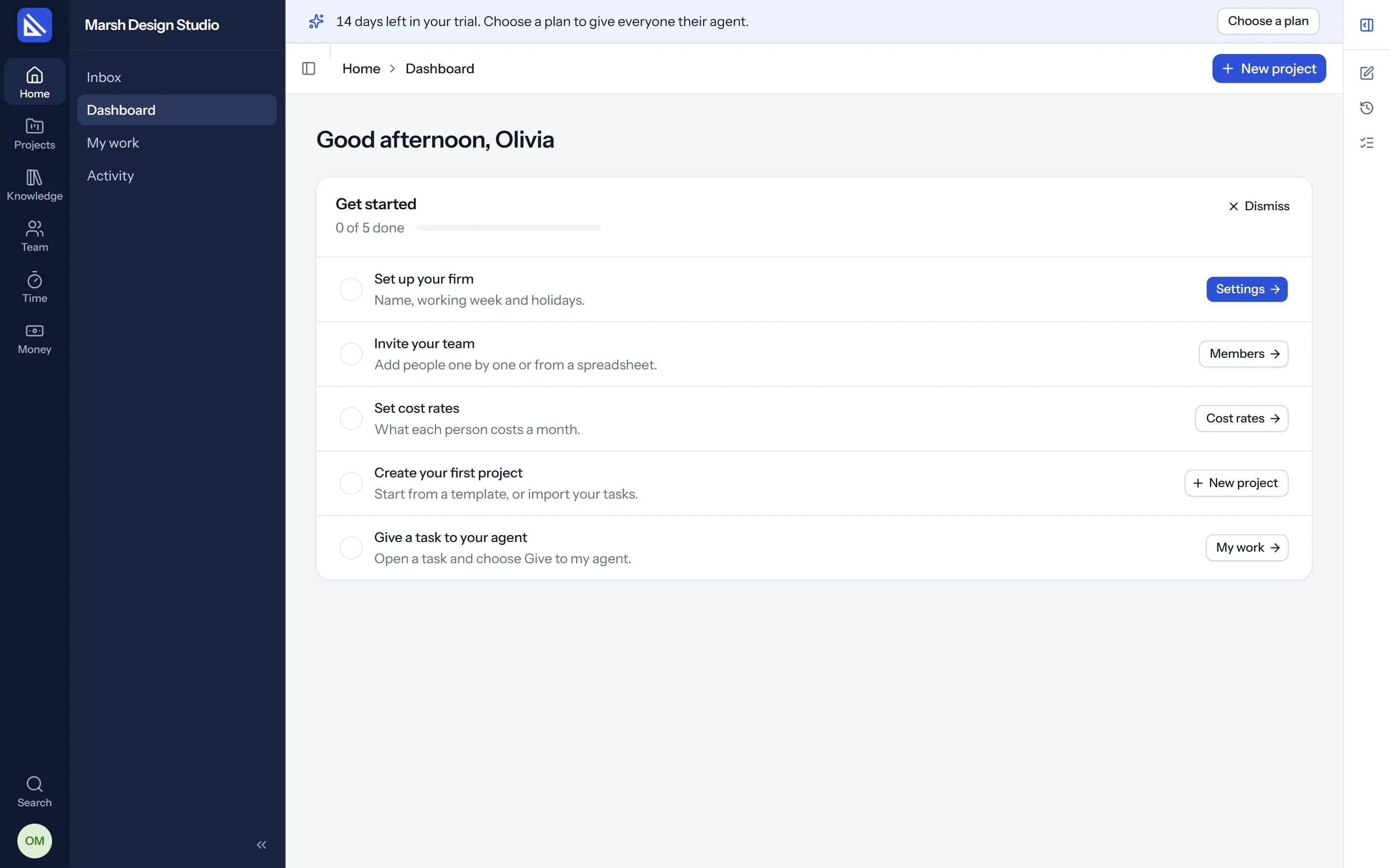
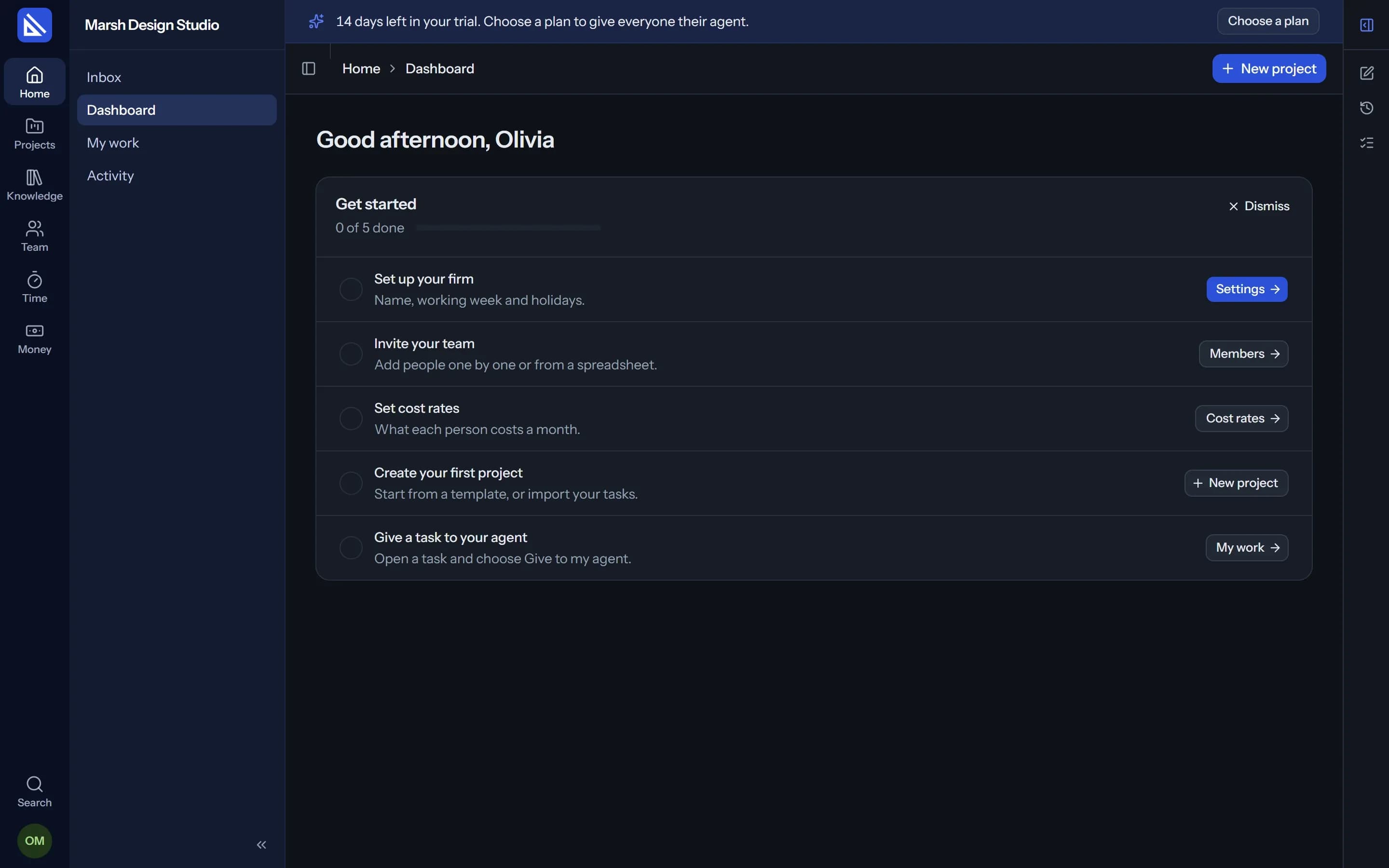
The owners of a new firm see Get started at the top of their Dashboard: set up the firm, invite the team, set cost rates, create the first project and give a task to the agent. Each step ticks itself when it is done, and the list goes away when you dismiss it.
What comes with a template or an import.
Dates from the start
Every task and key date is placed from the new project's start.
Checklists
The small steps of each task come with it.
People
Import the firm's people with their roles and disciplines.
CSV and Excel
From any tool that exports a spreadsheet.
Nothing lost
What could not be matched is listed, so you can fix it after.
Or ask your agent
Give it the file and it imports the tasks or the people for you.
Questions
Can we bring our projects from Monograph or Asana?
Does a template copy people?
More of Arqiflow
Projects and tasks
Stages, tasks, reviews and checklists
Learn moreViews and Dashboard
Board, Calendar, Timeline and charts
Learn moreThe agent
An AI copilot for each person
Learn moreRevit
Walls, doors, rooms and stairs
Learn moreKnowledge
Your rules, standards and playbooks
Learn moreInbox and notifications
Mentions, reviews and email
Learn moreDocs and files
Minutes, drawings and models
Learn moreBoards
A live canvas for crits and precedents
Learn moreTime and money
Timesheets, fees and profit
Learn morePeople and time off
Team, workload and leave
Learn more
Bring your next project into Arqiflow.
Run your own projects and people in it free for 14 days, with no card. The agent comes with a plan.