Docs and files
The project's paperwork, beside the work it belongs to.
Write minutes, design notes and specifications in the project. Keep drawings, models and PDFs on the task they belong to, and open them in the page.
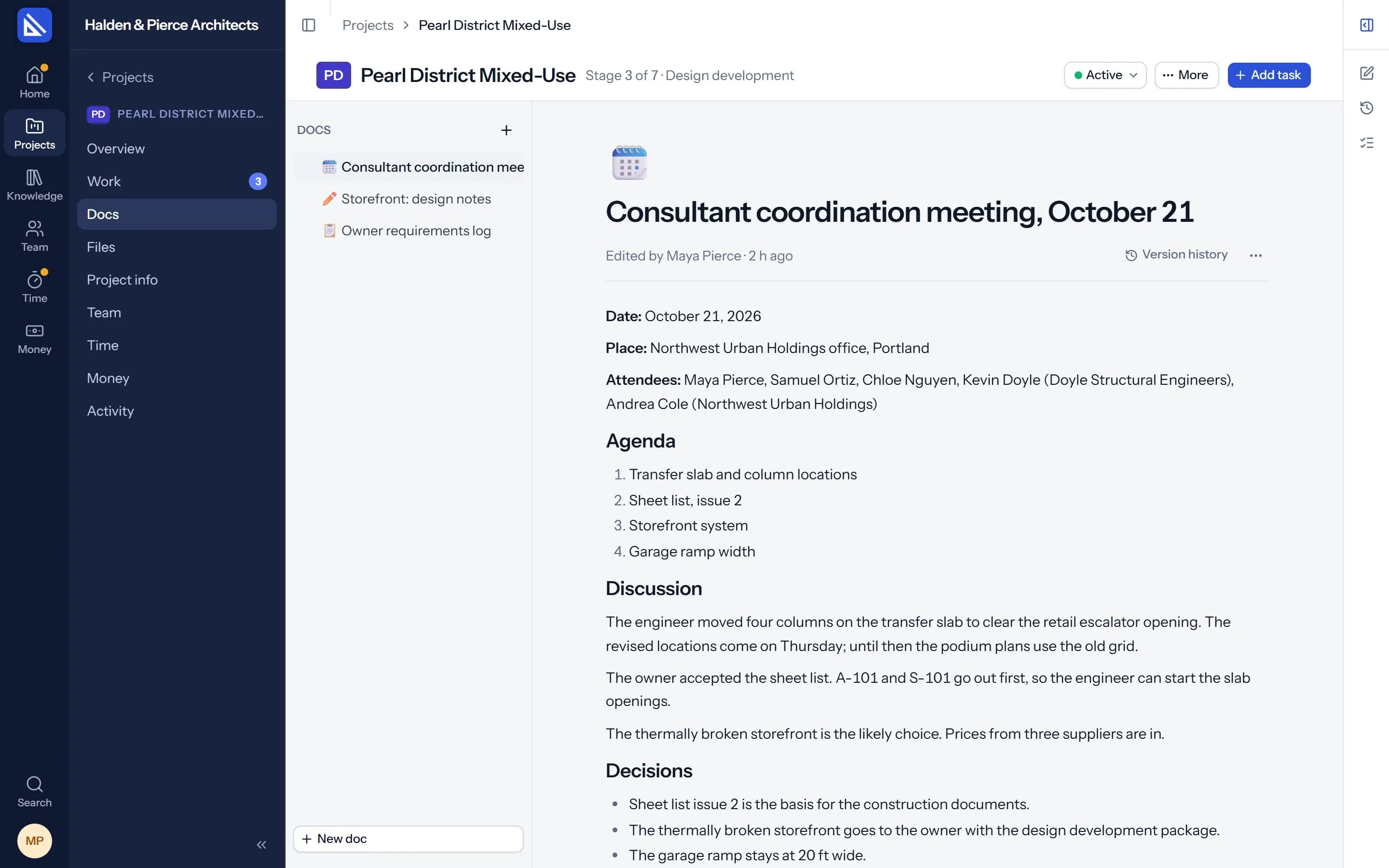
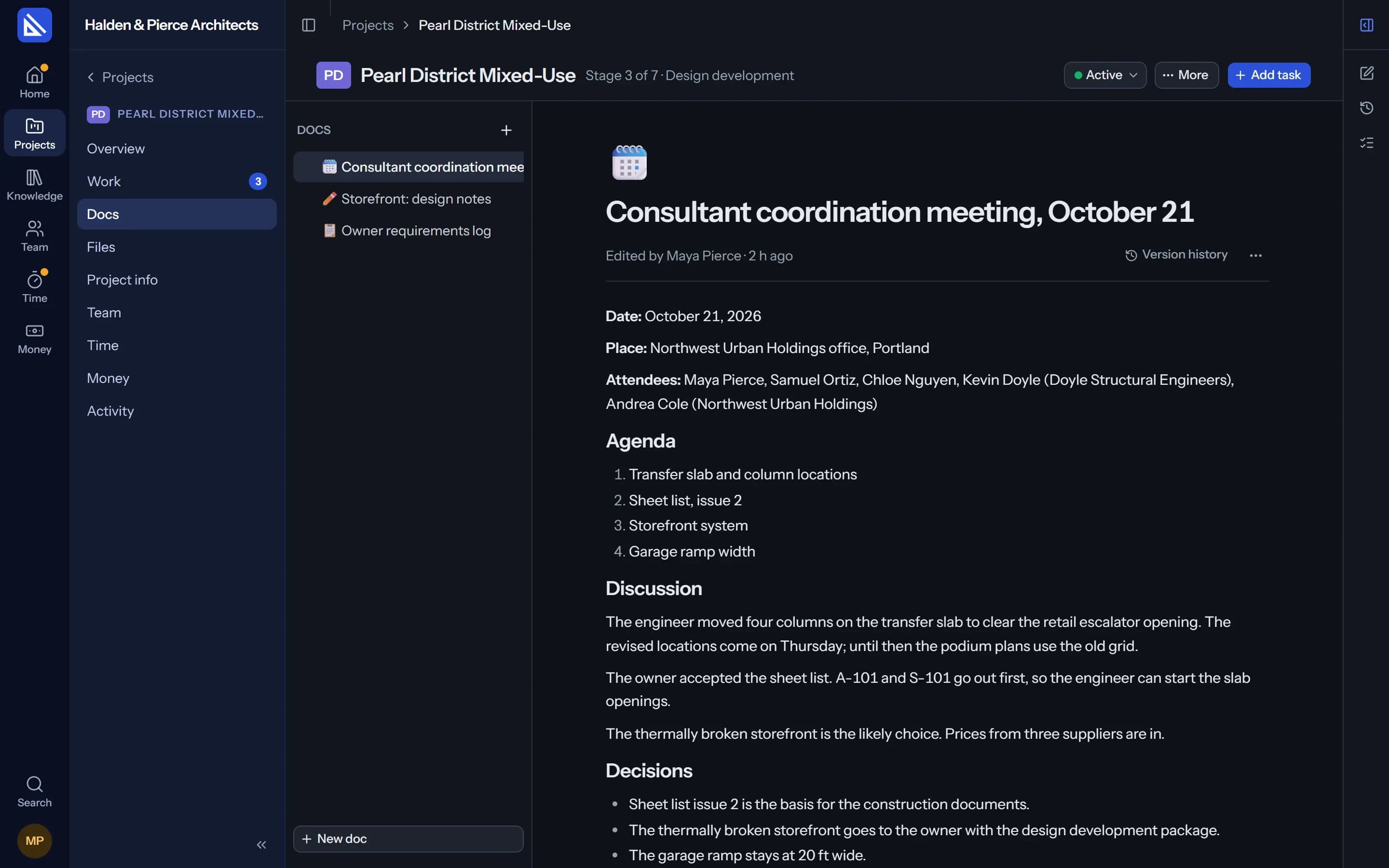
Docs
Write it where the team works.
Each project has its Docs: pages in a tree you can drag into order, with a page inside a page. Start blank or from a template for meeting minutes, design notes, client correspondence or a specification.
- Linked to tasks. Put the minutes beside the task they decided.
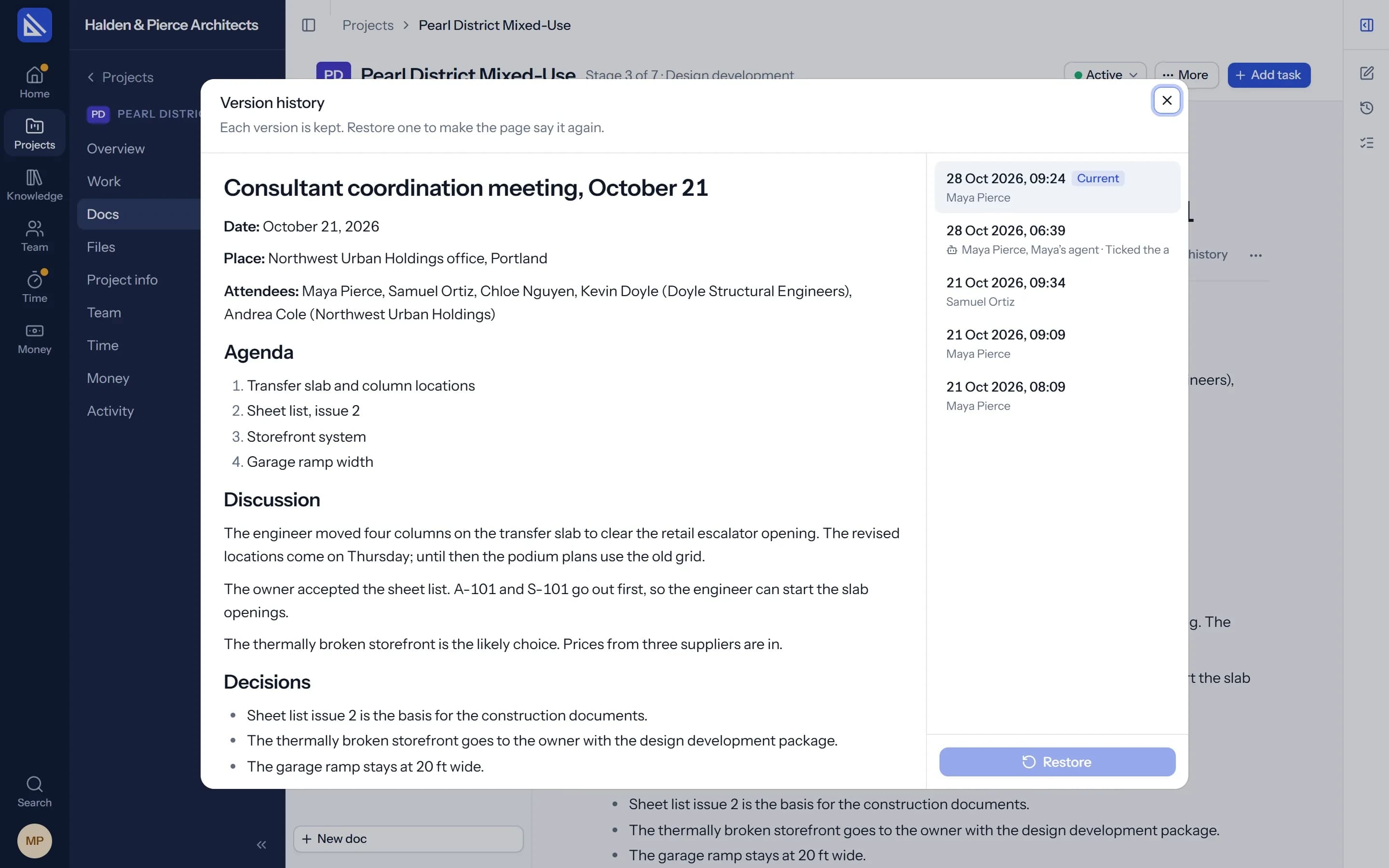
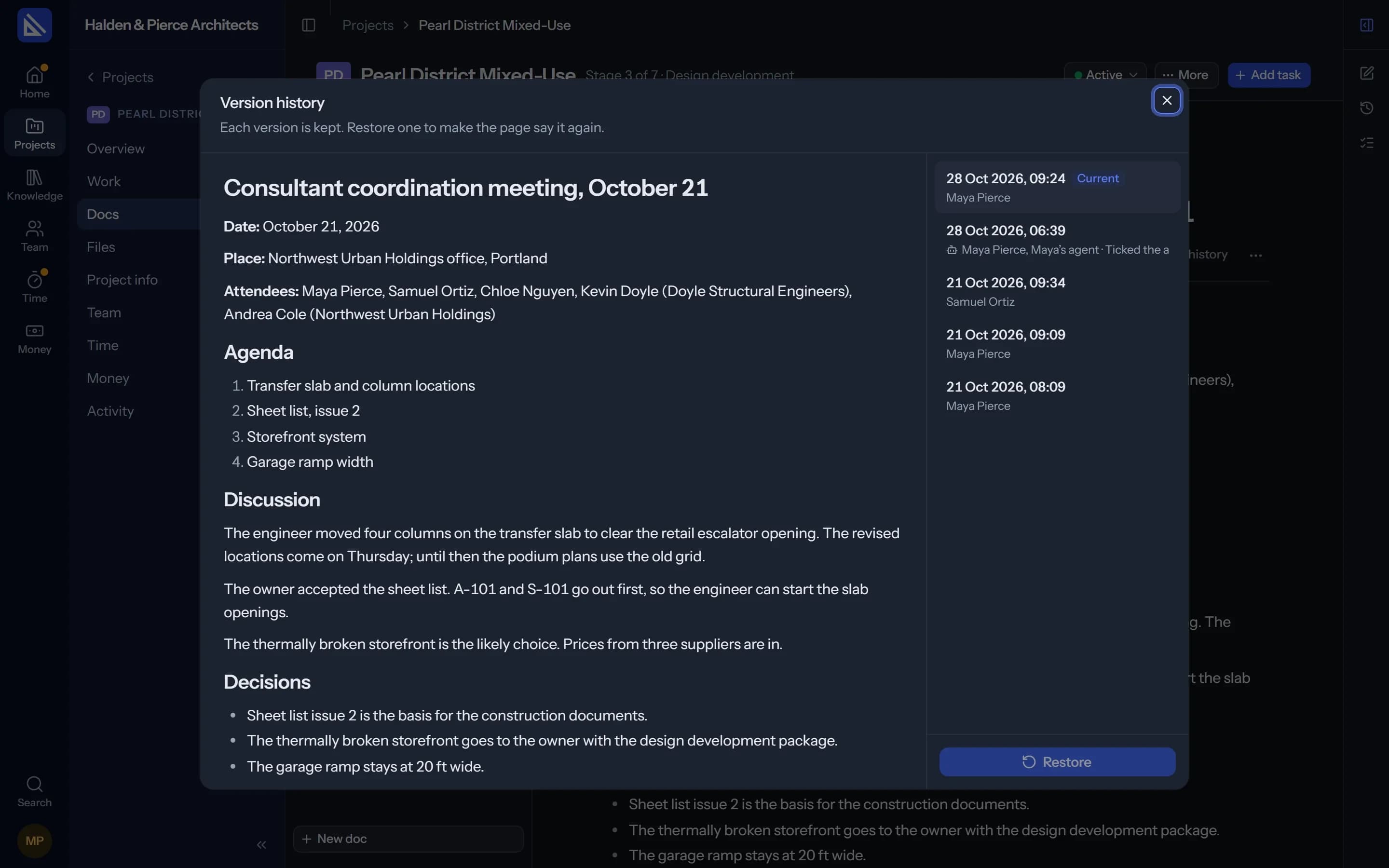
- Version history. See who edited what, and restore an earlier version.
- Written by your agent too. Ask for the minutes from your notes, or a specification from the model.
Files
Drawings and models open in the page.
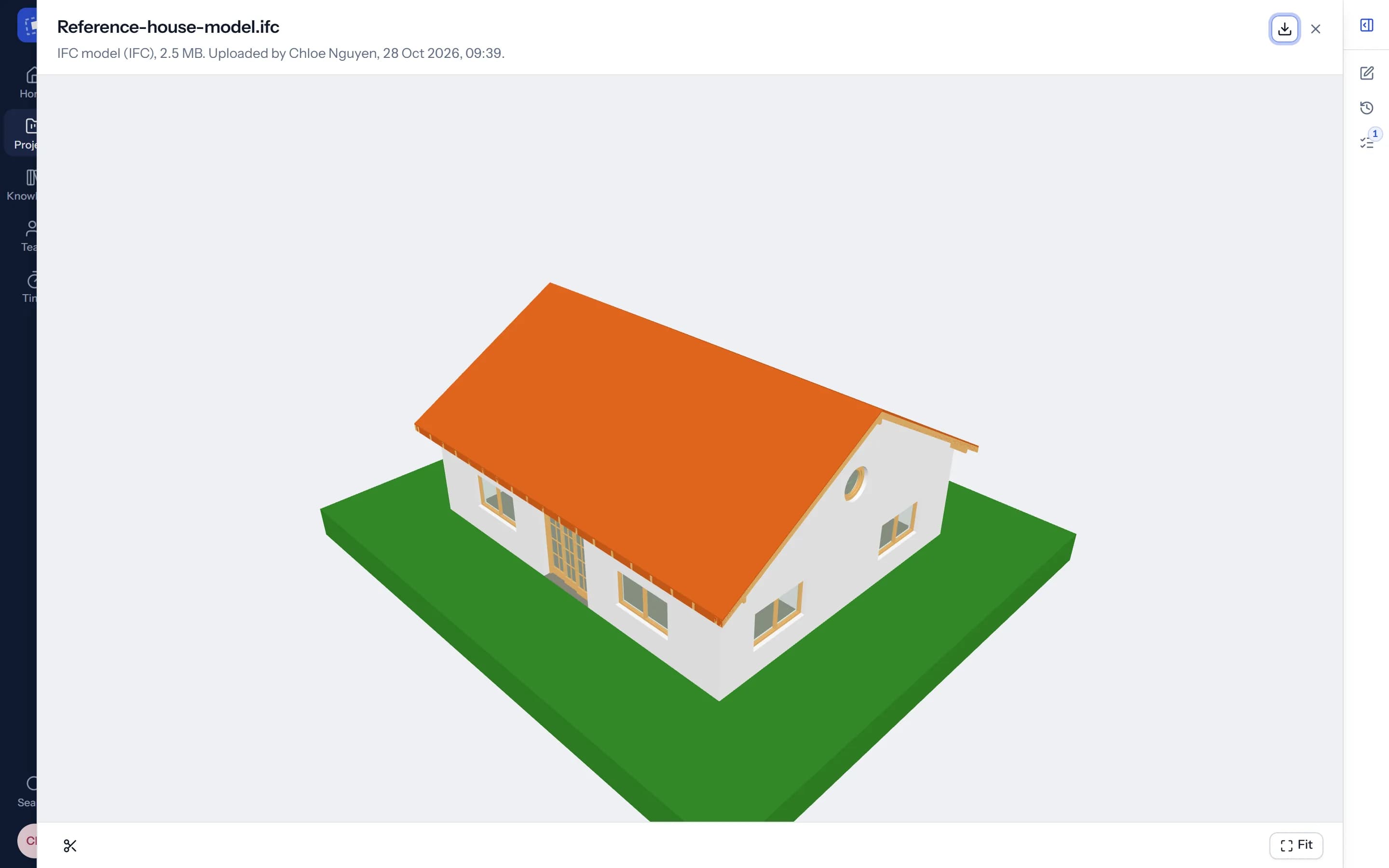
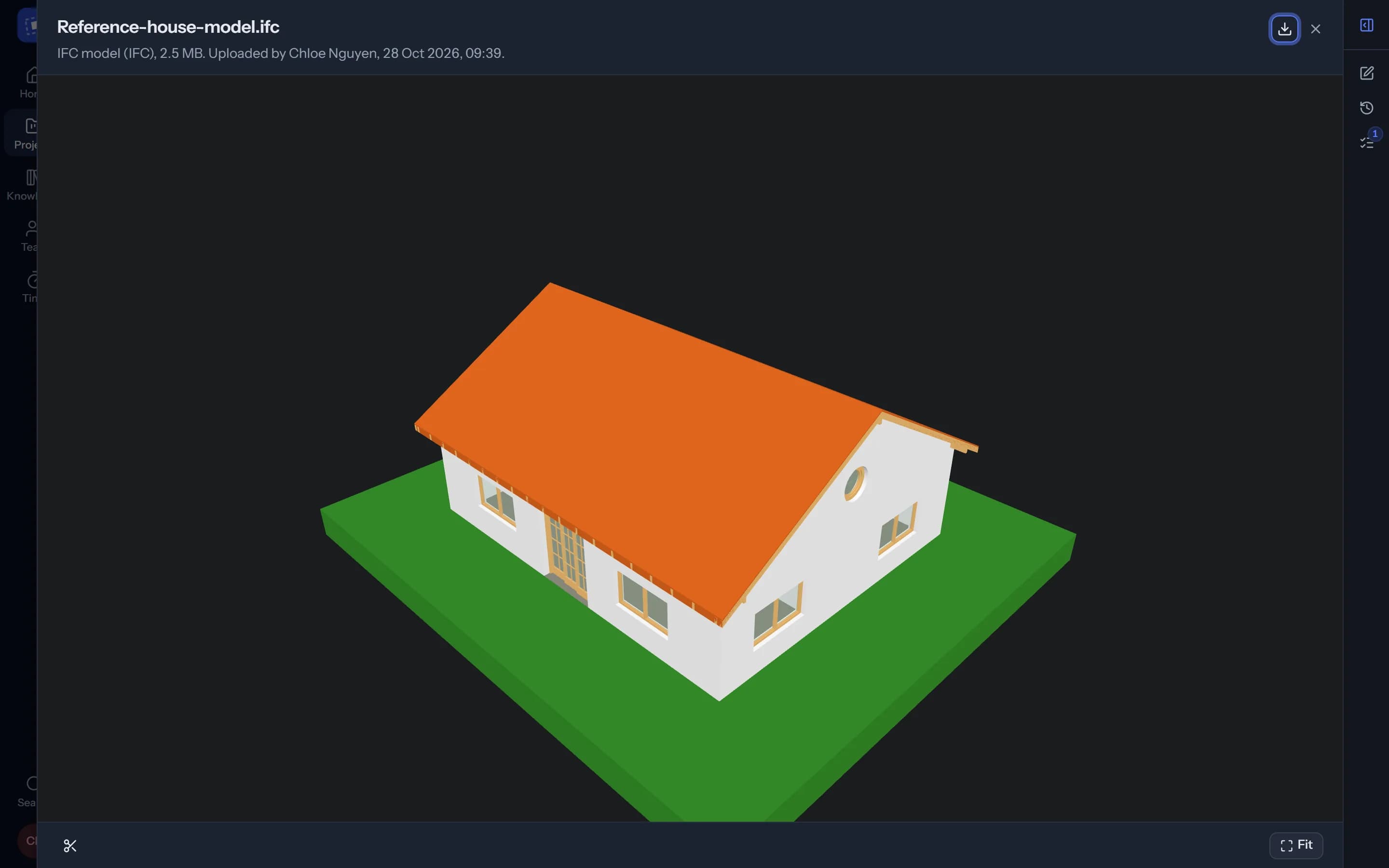
Drop files on a task, several at a time. DWG and DXF drawings, IFC models in 3D, PDFs and images open right there, with no download and nothing to install.
- Versions. Upload a file under the same name and the older one stays a click away.
- Every file of the project. In one place, in folders, and the firm's own files beside them.
Small things that save an afternoon.
Drop to upload
Several files at once, with progress, on a task or in Files.
Folders
Arrange the project's files the way your office server does.
Download a folder
A whole folder as one ZIP, for a consultant or the client.
Versions
“Version 2 of 2”, with every earlier one kept.
Undo
Remove a file by mistake and bring it straight back.
Copy link
Send a colleague straight to a doc or a file.
Questions
Which files open in the page?
How large can a file be?
Can the agent read our files?
More of Arqiflow
Projects and tasks
Stages, tasks, reviews and checklists
Learn moreViews and Dashboard
Board, Calendar, Timeline and charts
Learn moreTemplates and import
Start projects fast, move in easily
Learn moreThe agent
An AI copilot for each person
Learn moreRevit
Walls, doors, rooms and stairs
Learn moreKnowledge
Your rules, standards and playbooks
Learn moreInbox and notifications
Mentions, reviews and email
Learn moreBoards
A live canvas for crits and precedents
Learn moreTime and money
Timesheets, fees and profit
Learn morePeople and time off
Team, workload and leave
Learn more
Bring your next project into Arqiflow.
Run your own projects and people in it free for 14 days, with no card. The agent comes with a plan.